
OBS CONTROL / PHONE + TABLET
Run OBS from anywhere.
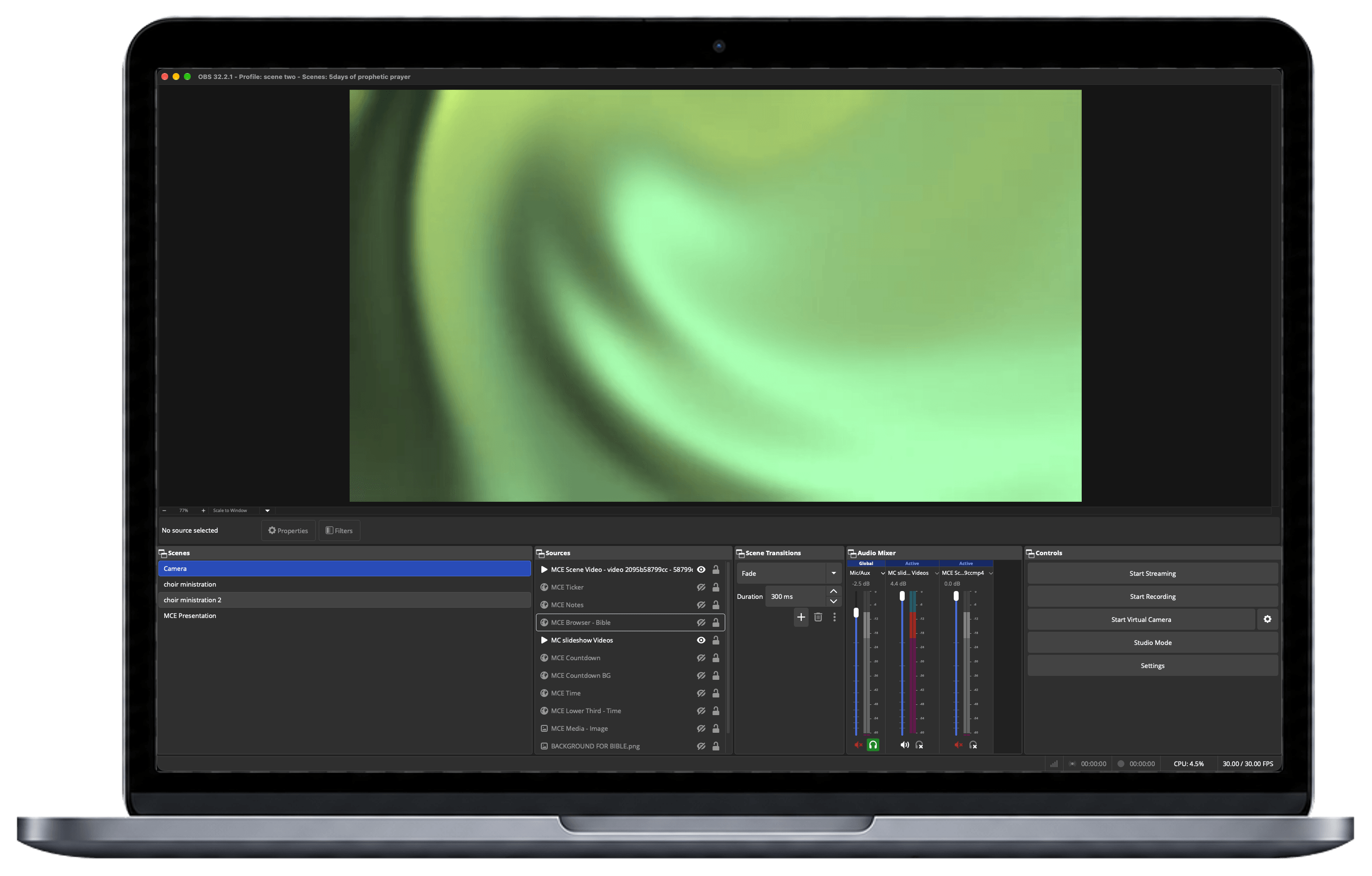
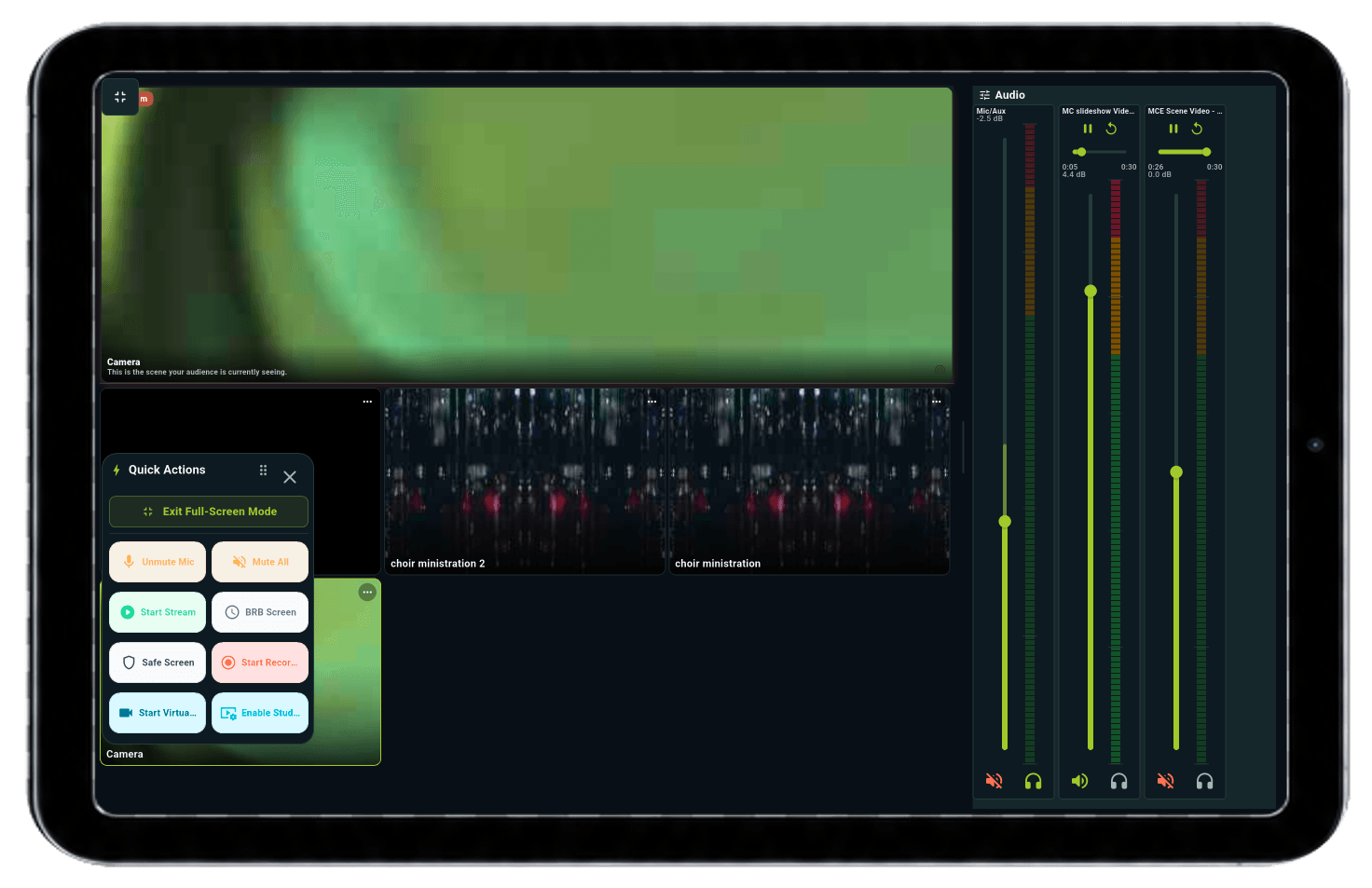
Your livestream should not keep you tied to the computer. Control scenes, audio, and live actions from your phone or tablet, so you can stay focused on the room and the moment.

For churches, creators, and live production teams.
The Problem
Your stream moves. Your control should too.
When every scene change, audio adjustment, or emergency action requires a trip back to the OBS computer, live production becomes slower and more stressful.
DeckPilot puts the controls where you are, giving you the freedom to manage OBS without staying behind the desk.
FEATURES / SCENES
Your entire show.
In your hands.
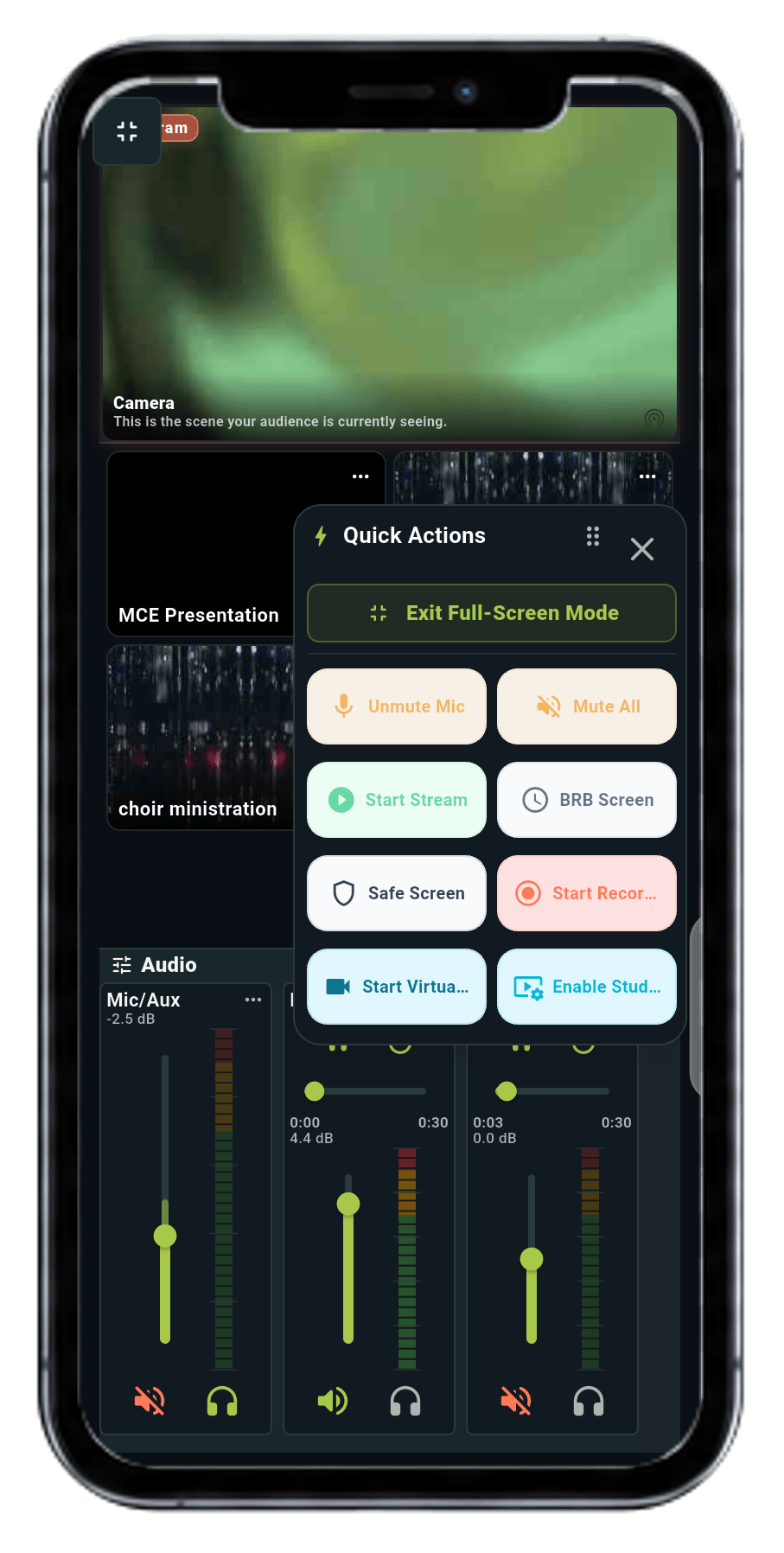
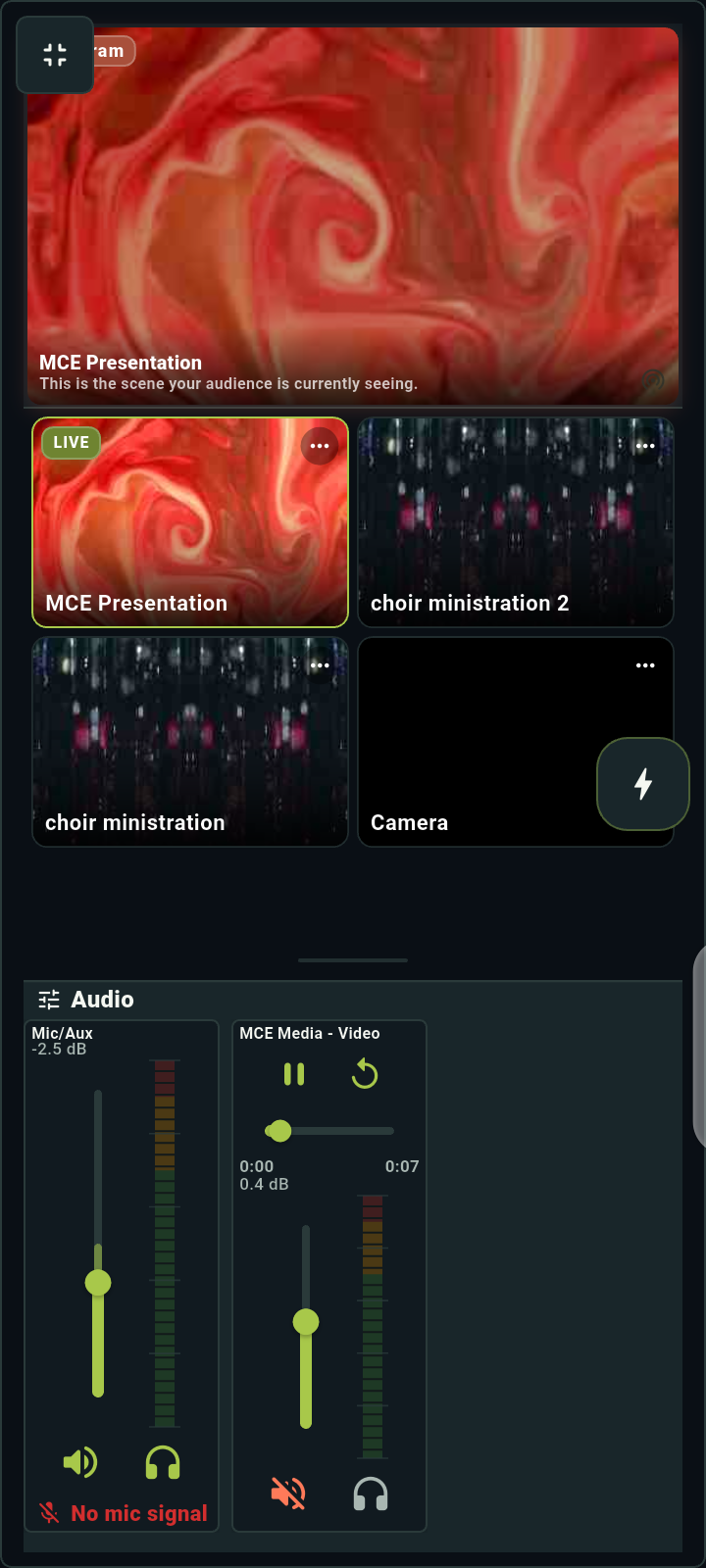
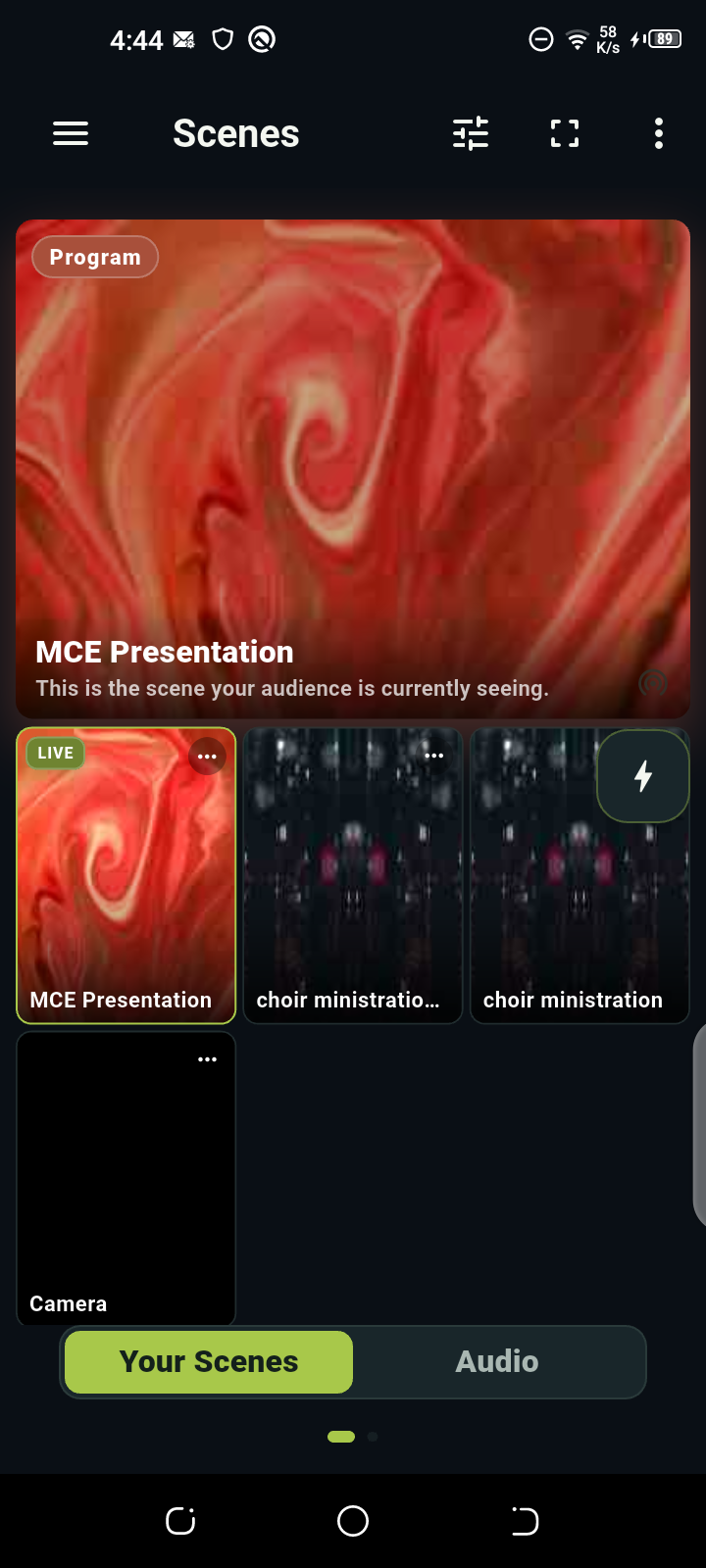
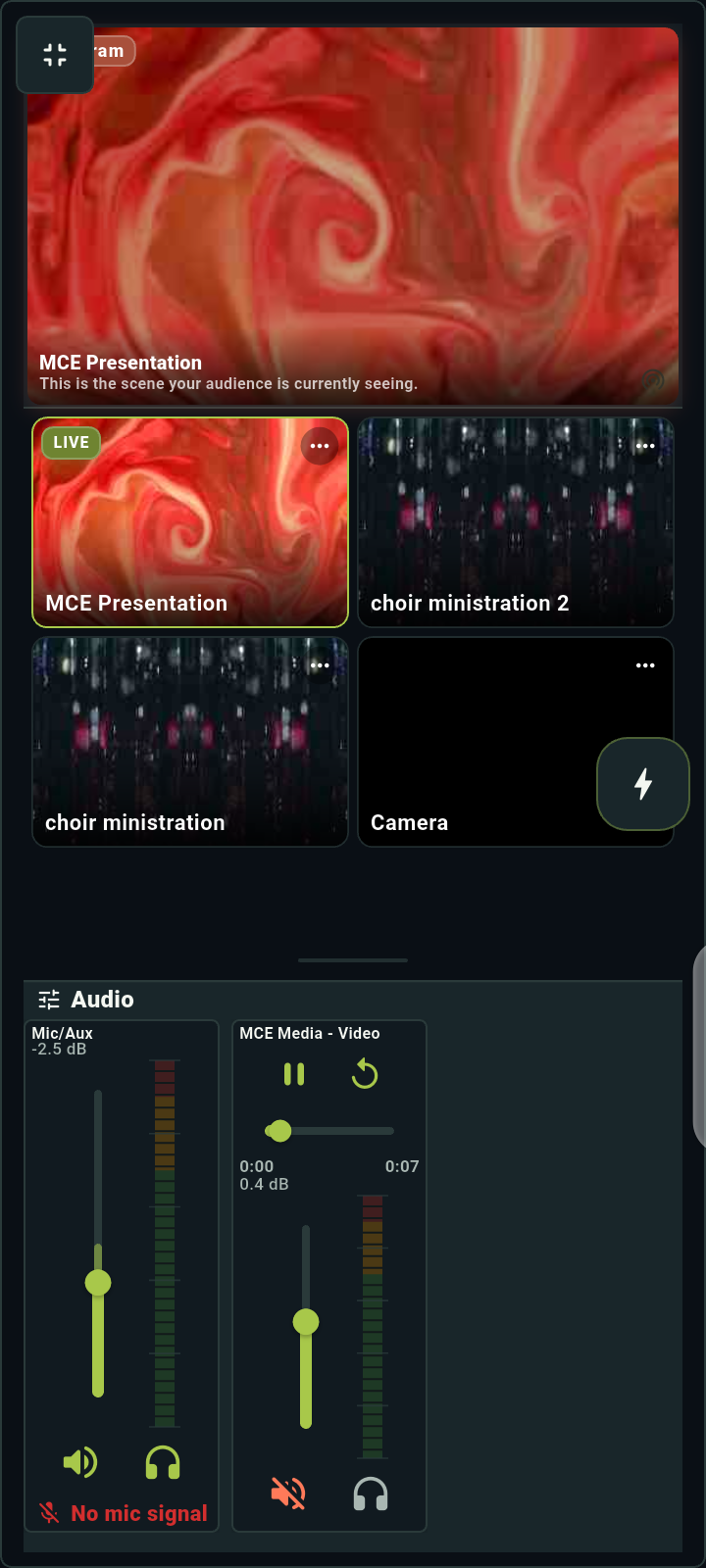
See what’s live. Switch to what’s next. Keep your scenes, sources, audio, and Quick Actions together—without going back to the computer.
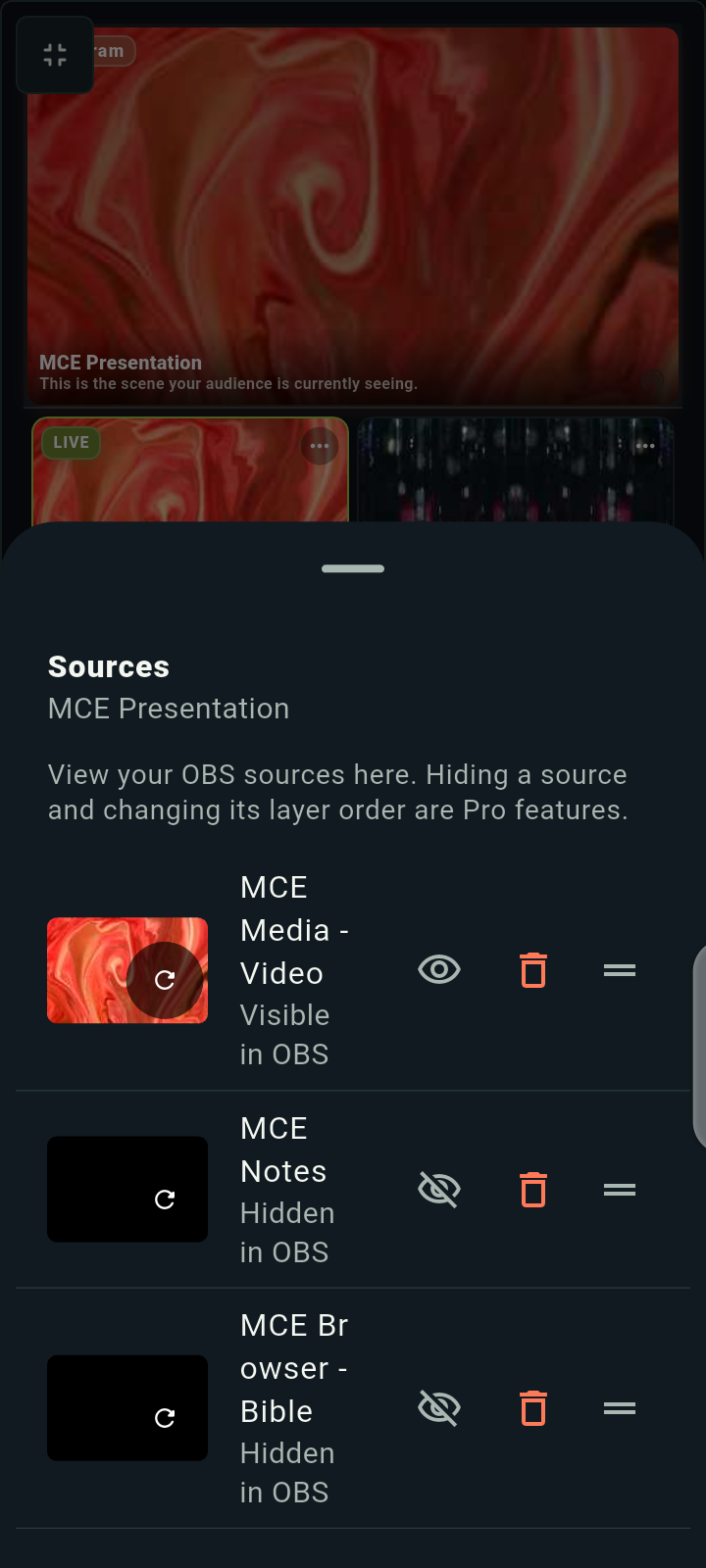
VIEW SOURCES
Your sources, in sight.
See what makes up each scene and what’s visible in OBS.
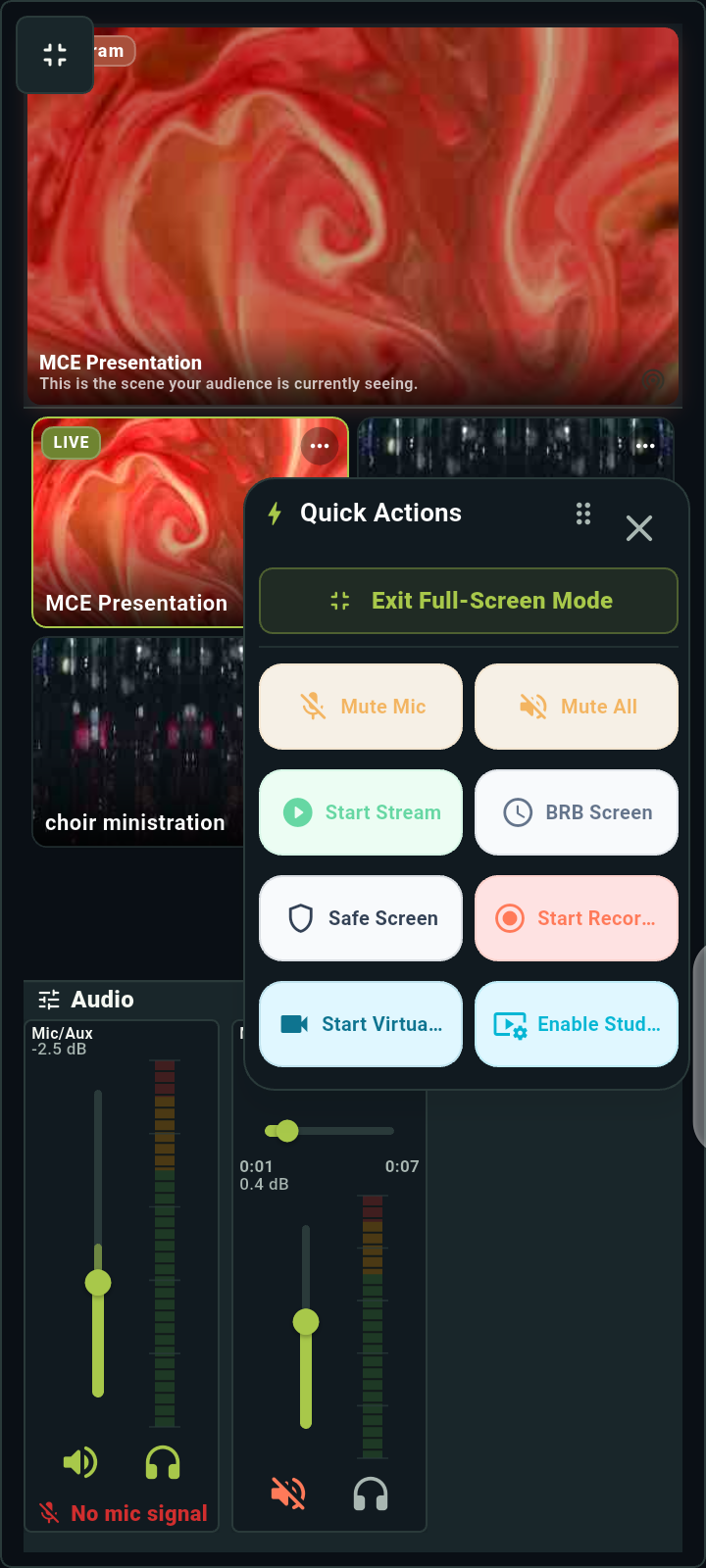
QUICK ACTIONS
Ready for the moment.
Keep stream, recording, and safety shortcuts close at hand.
AUDIO MIXER
Sound, under control.
Watch levels, adjust volume, and reach your mute controls.
Real app screens, captured on an Android phone.
FEATURES / MACROS & AUTOMATE
Build it once.
Run it in a tap.
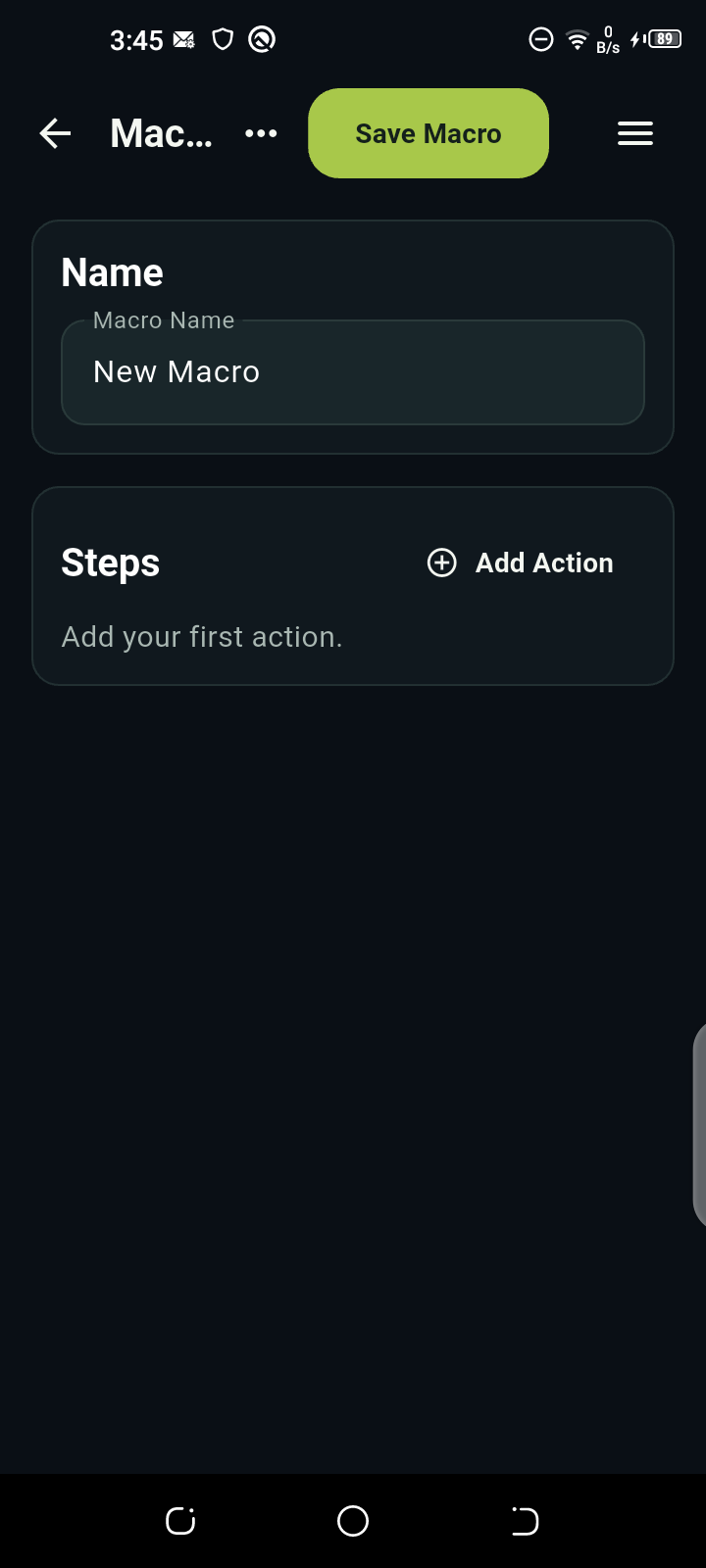
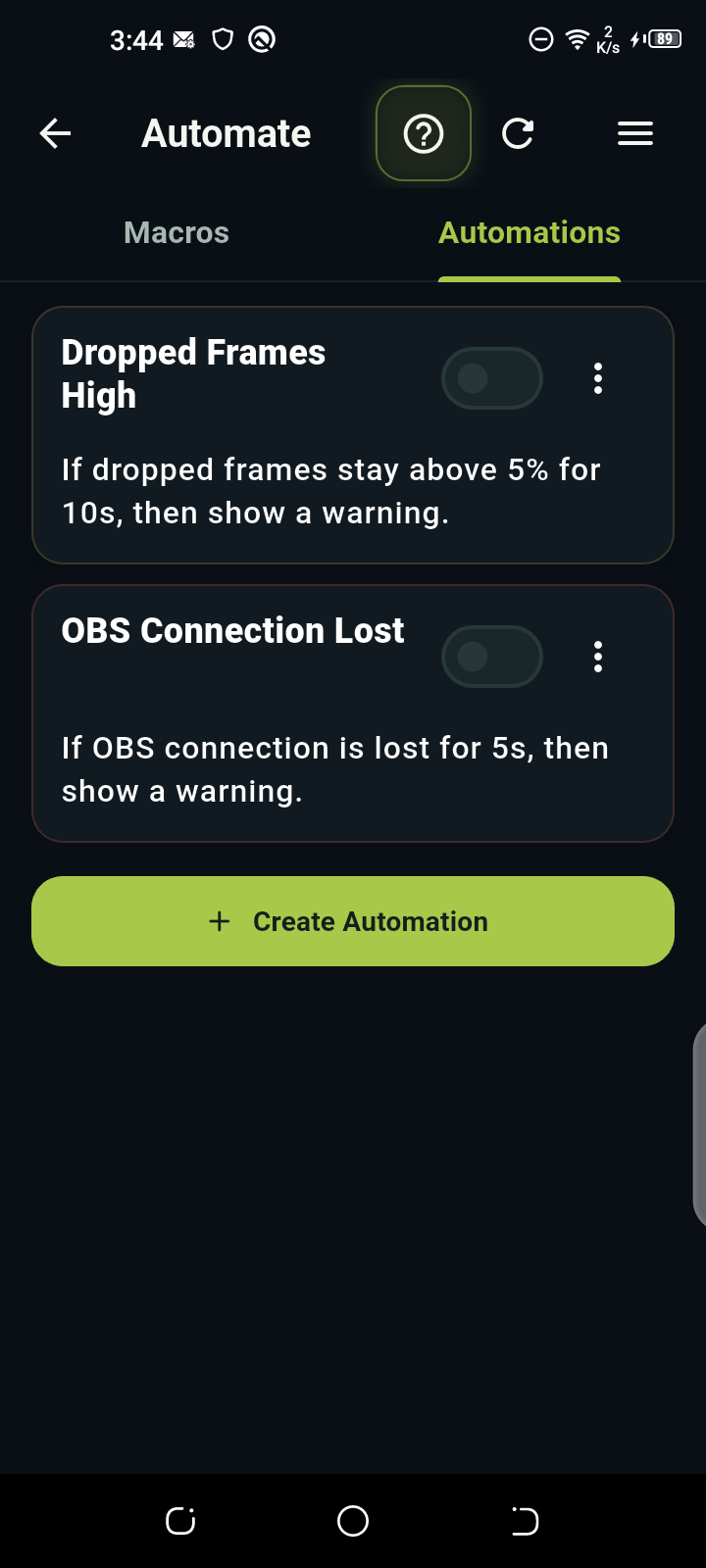
Turn repeated OBS actions into one macro. Or let an automation respond when a condition is met. Less to remember. More room to focus.
Autoplay off for reduced motion. Explore each step or press play.
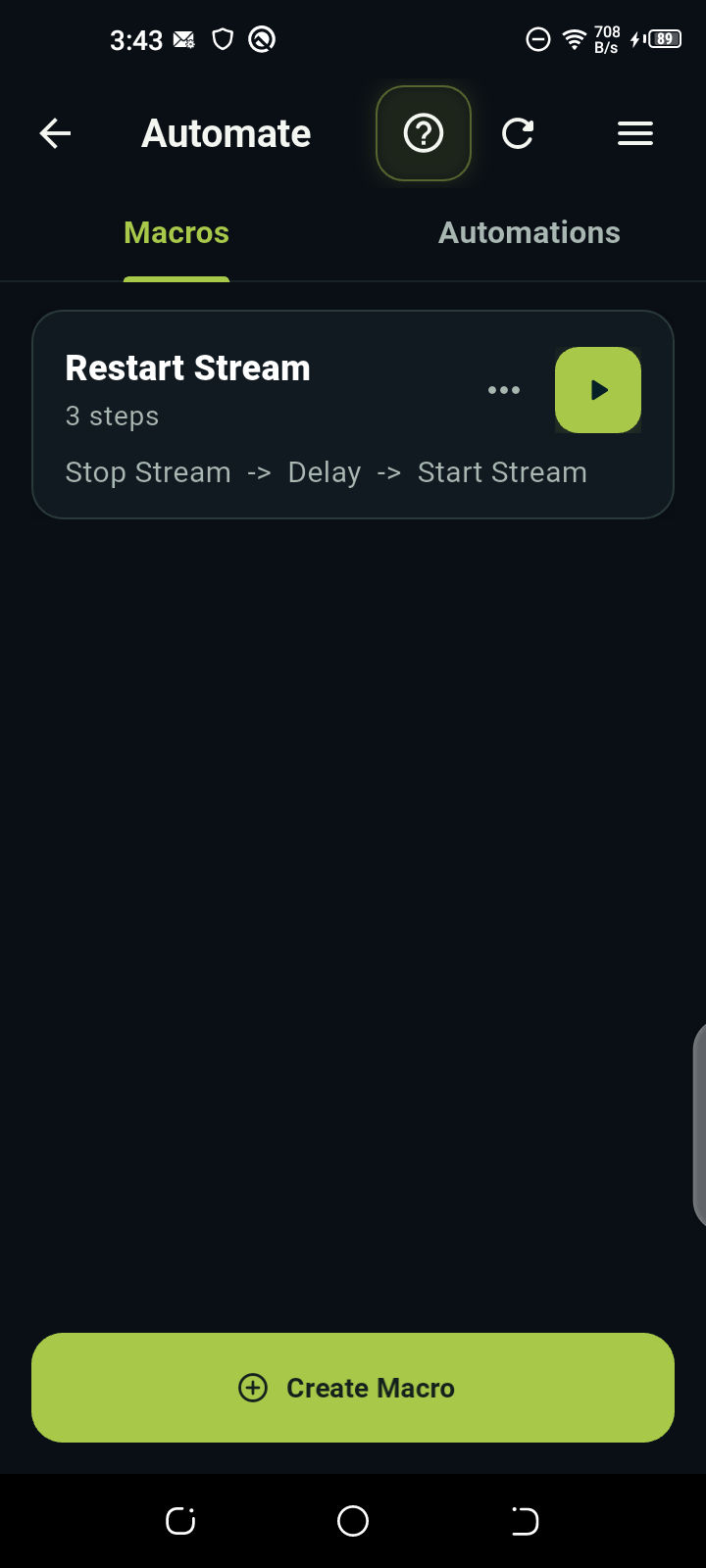
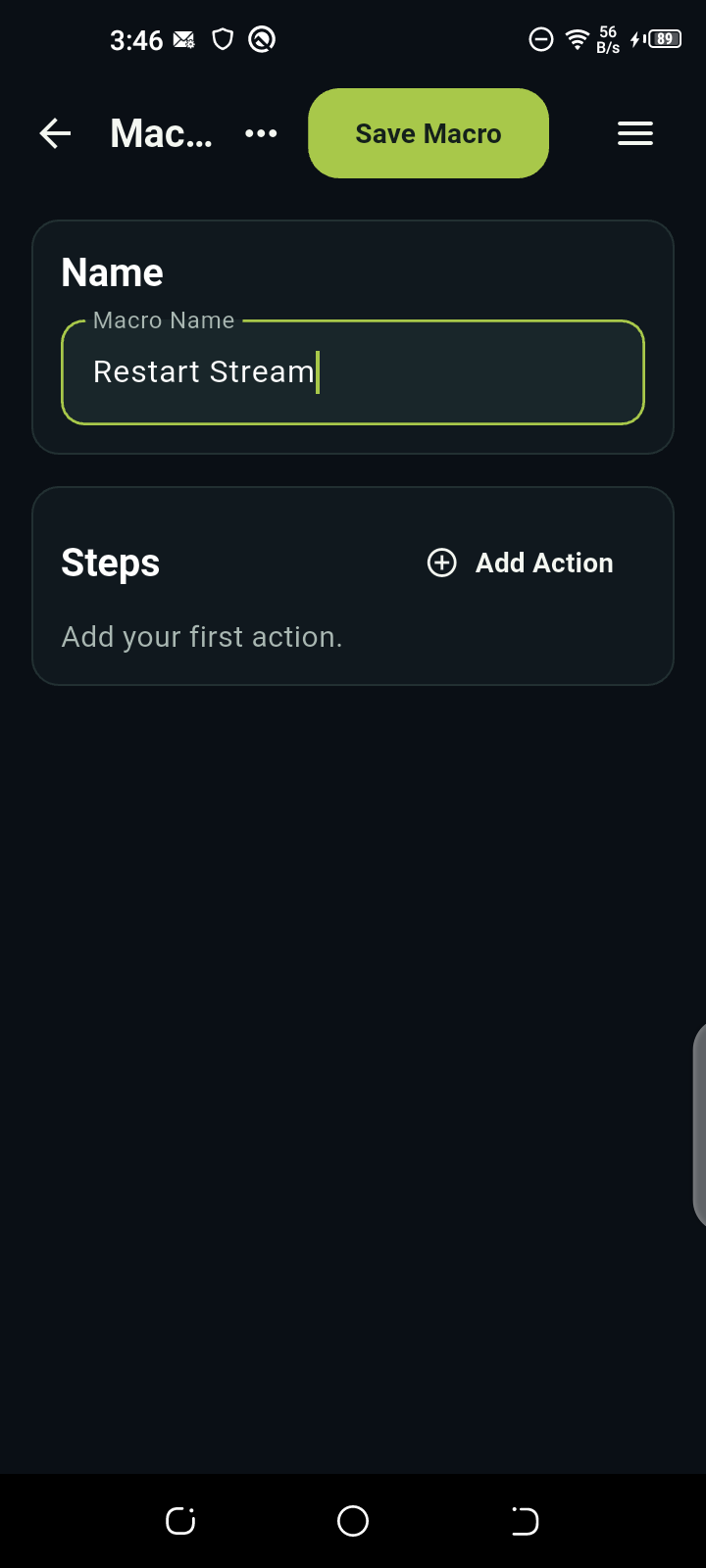
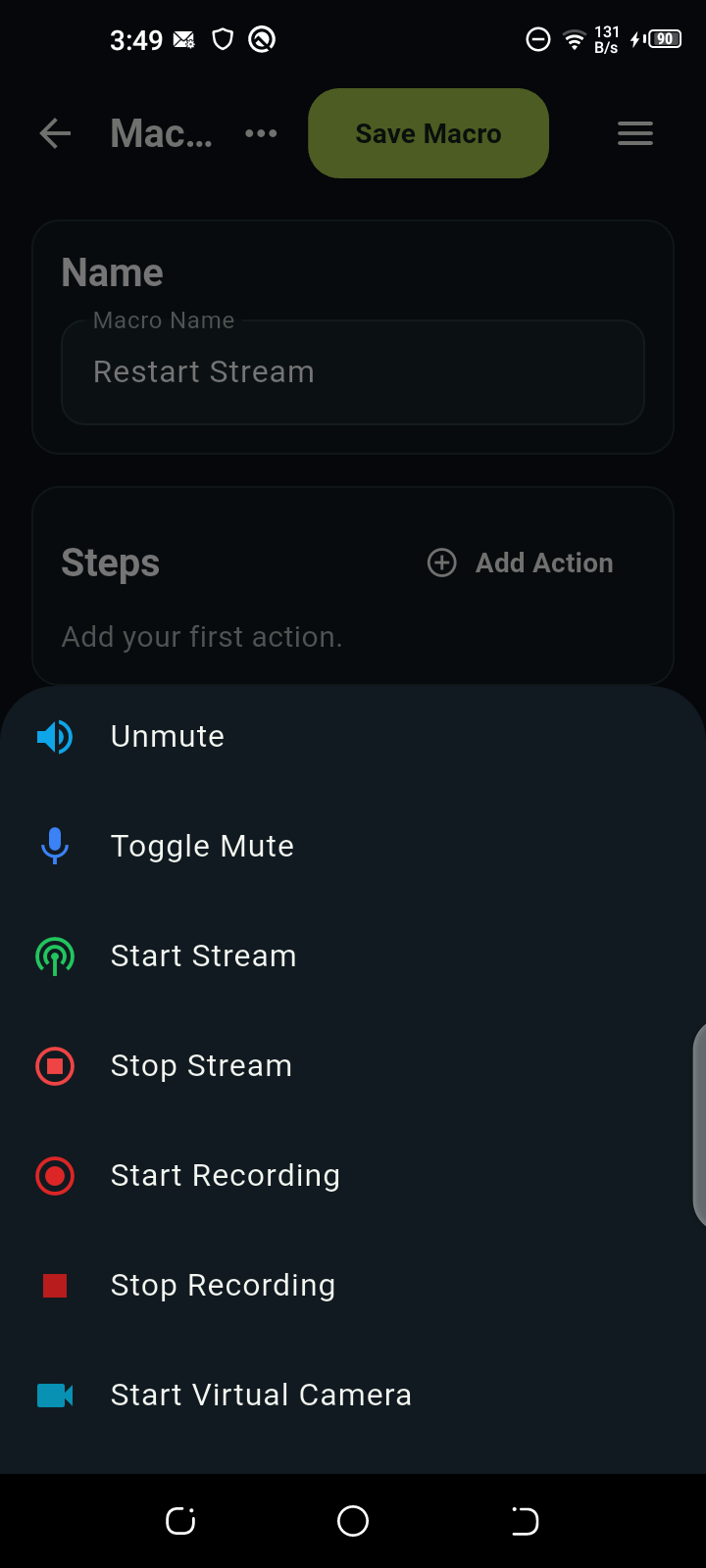
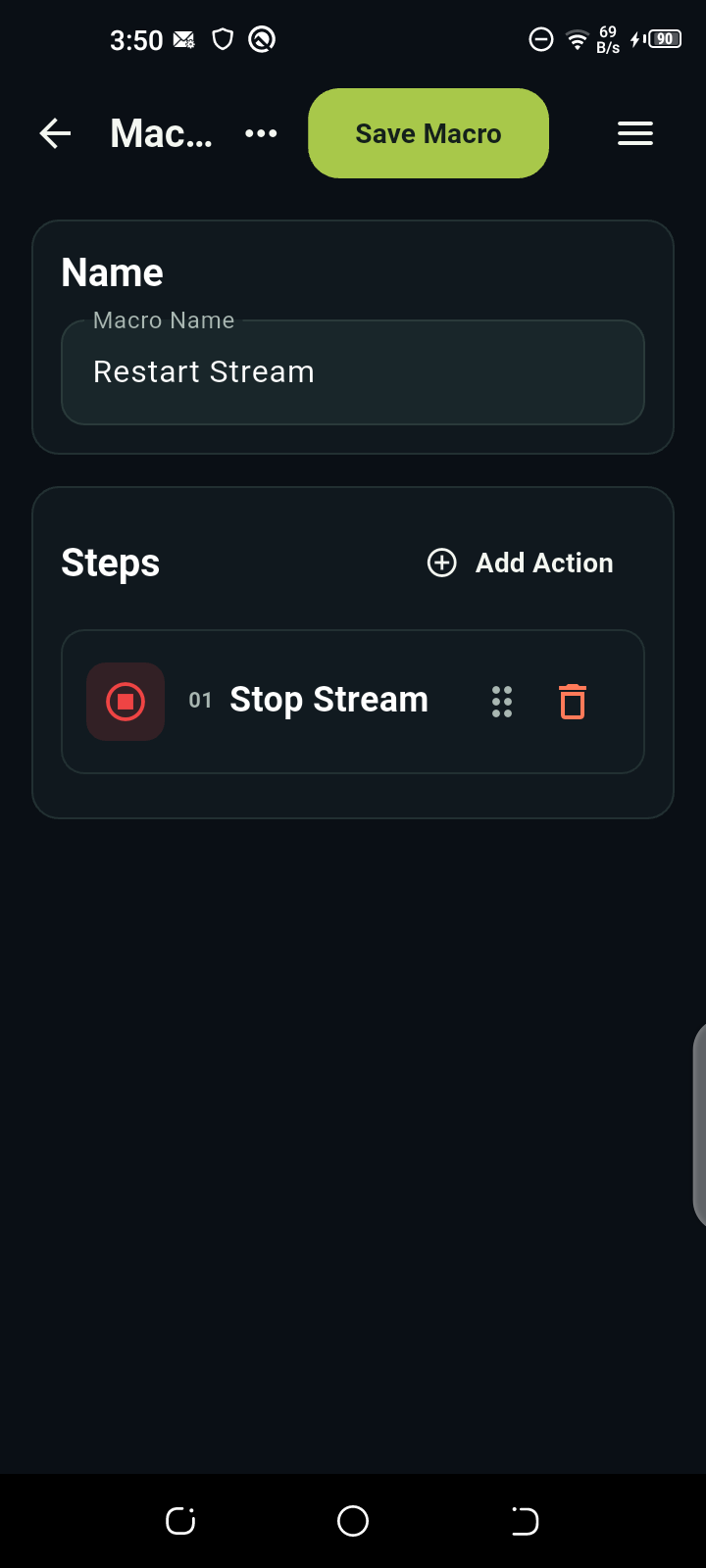
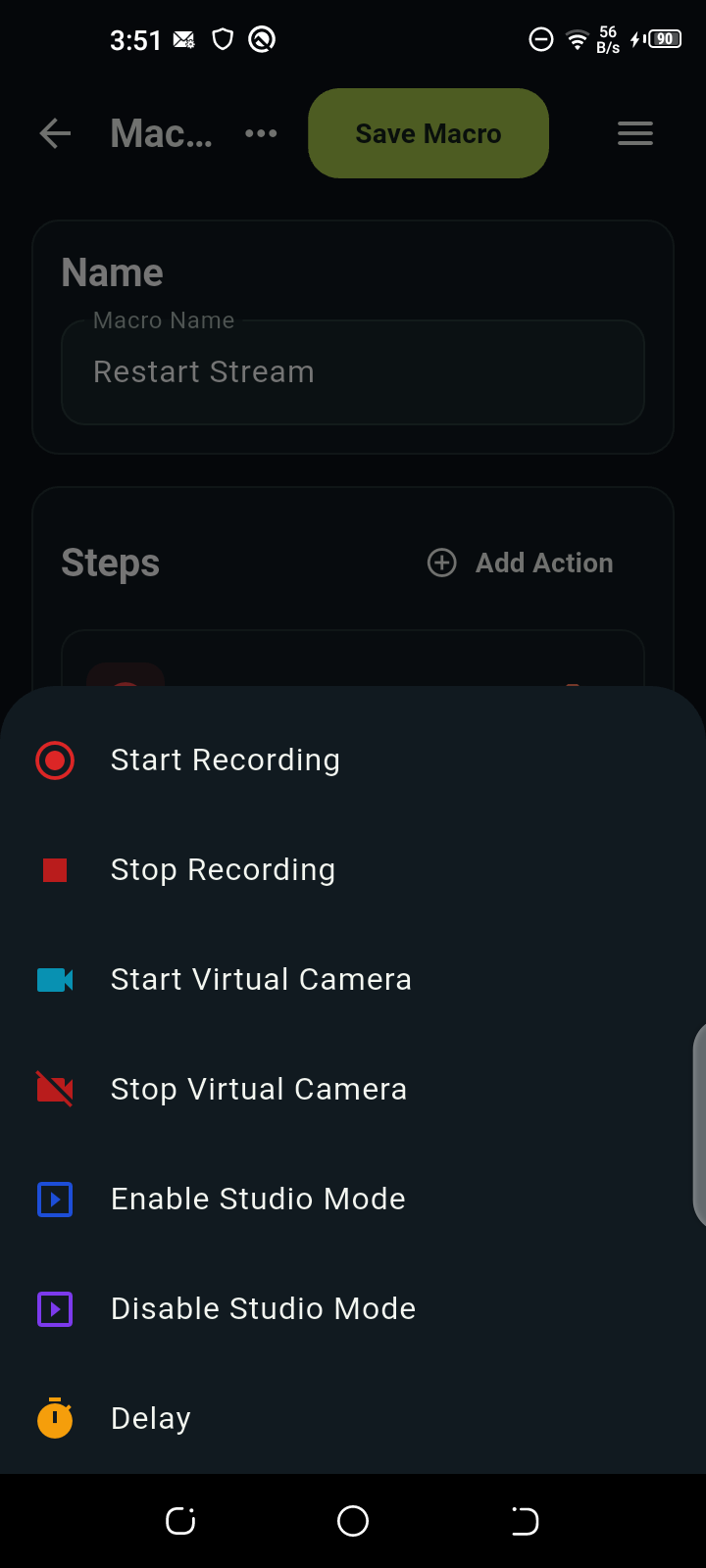
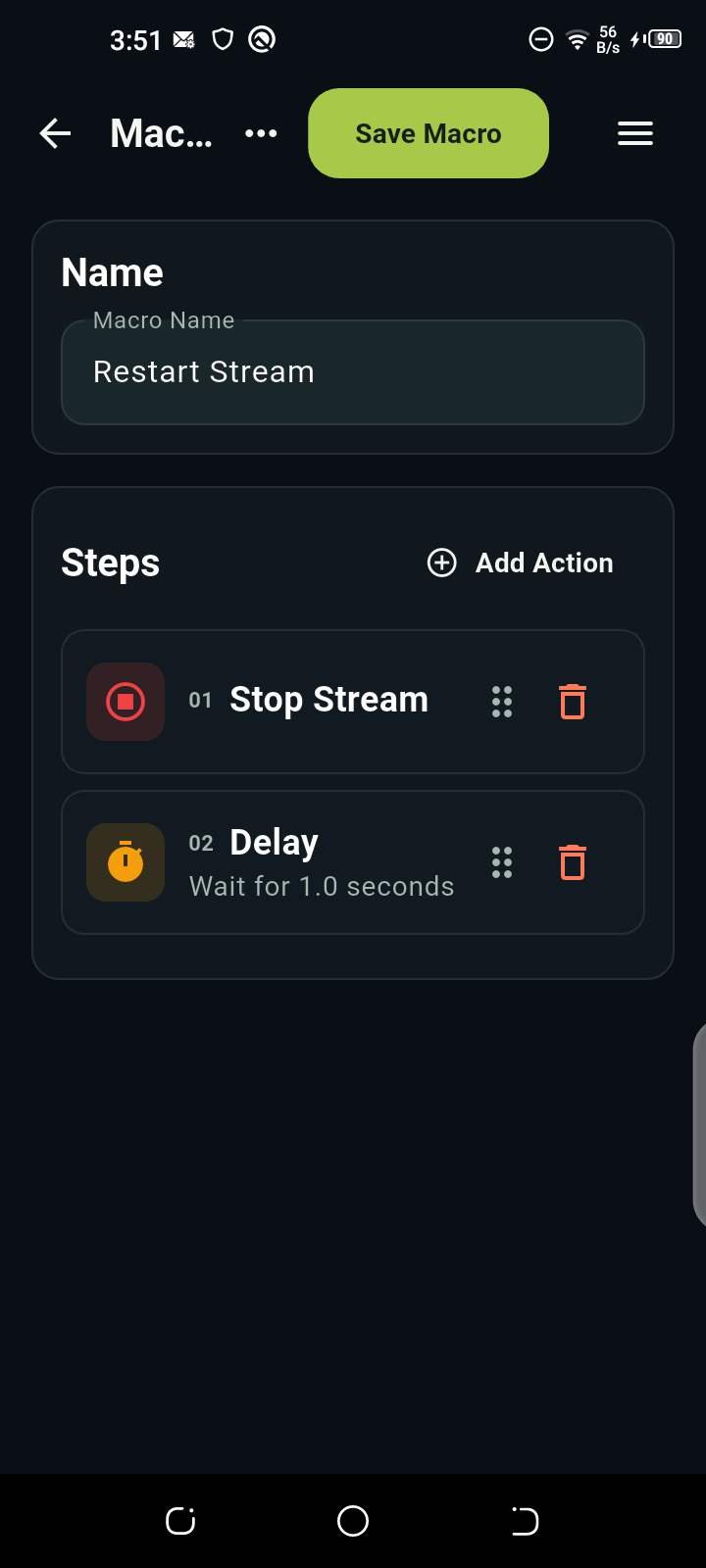
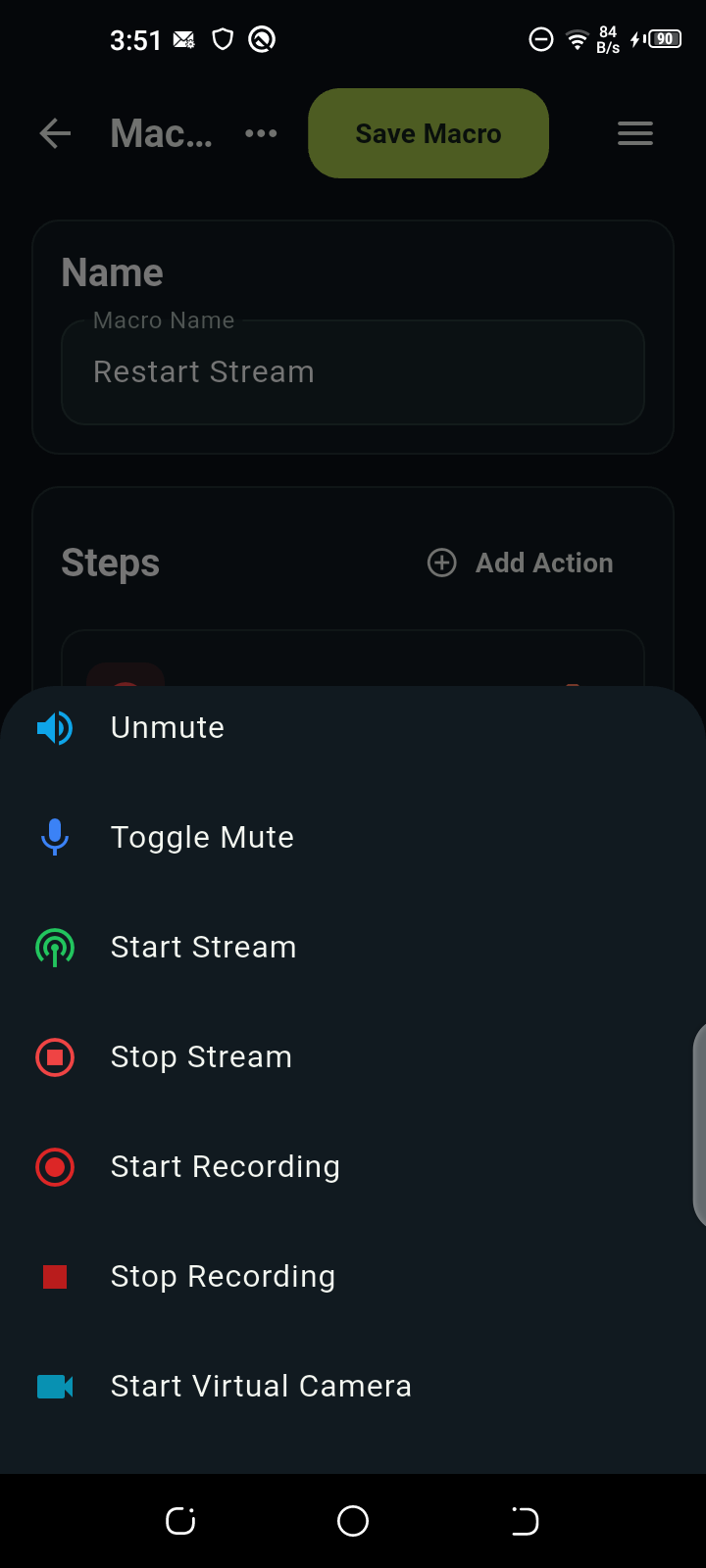
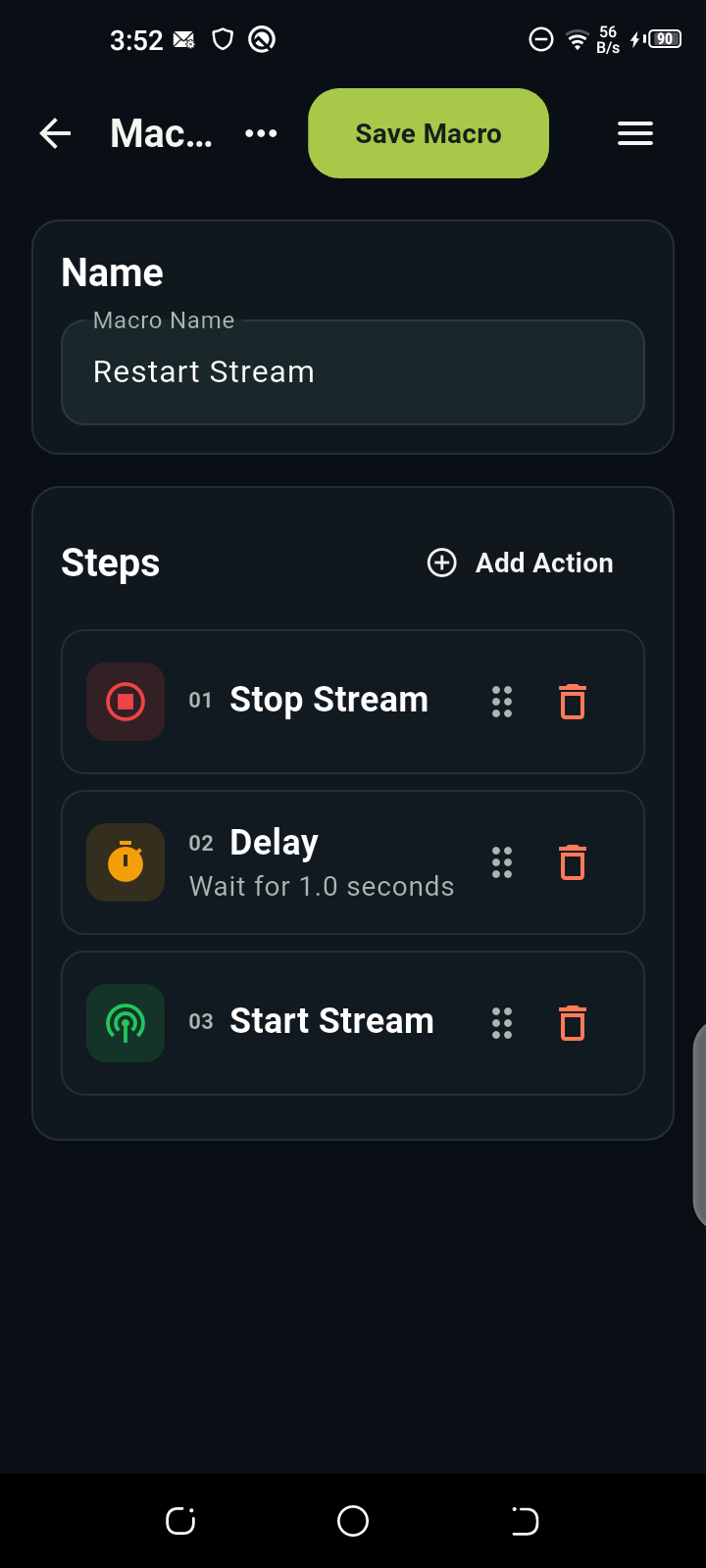
Restart Stream
- Stop StreamEnd the current stream01
- DelayWait 1 second02
- Start StreamStart streaming again03
Tap Create Macro to begin.
Interactive preview only. Nothing runs in OBS.
FEATURES / PAGES
The right controls.
One swipe away.
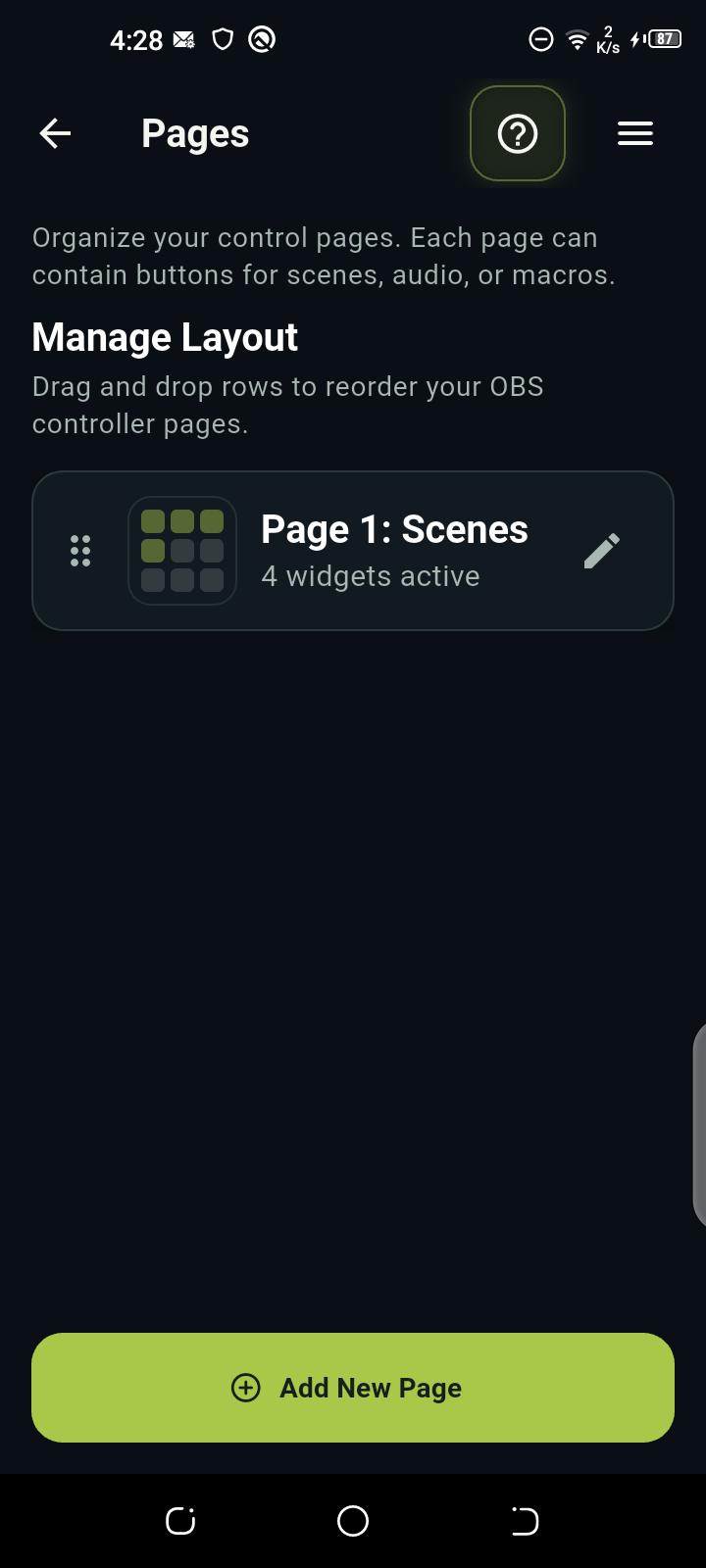
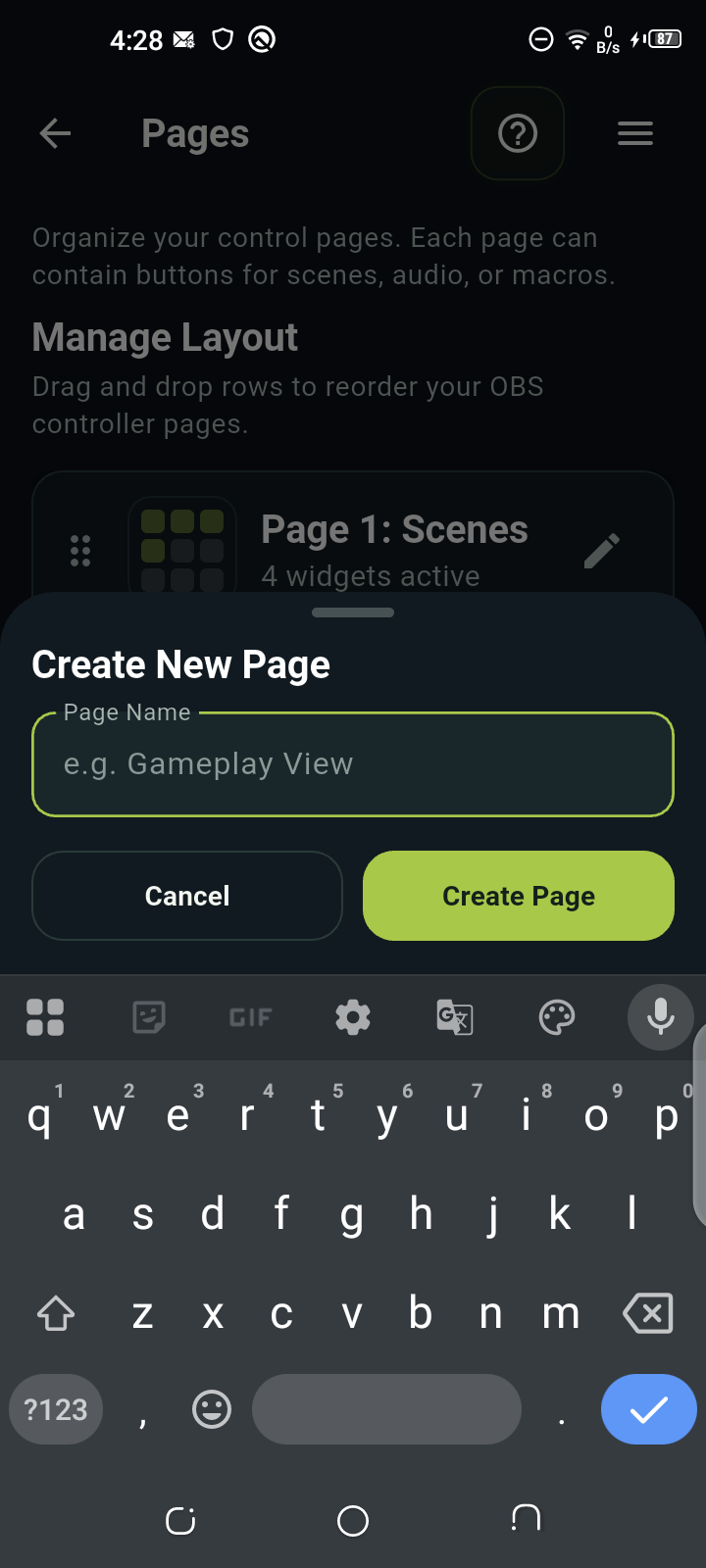
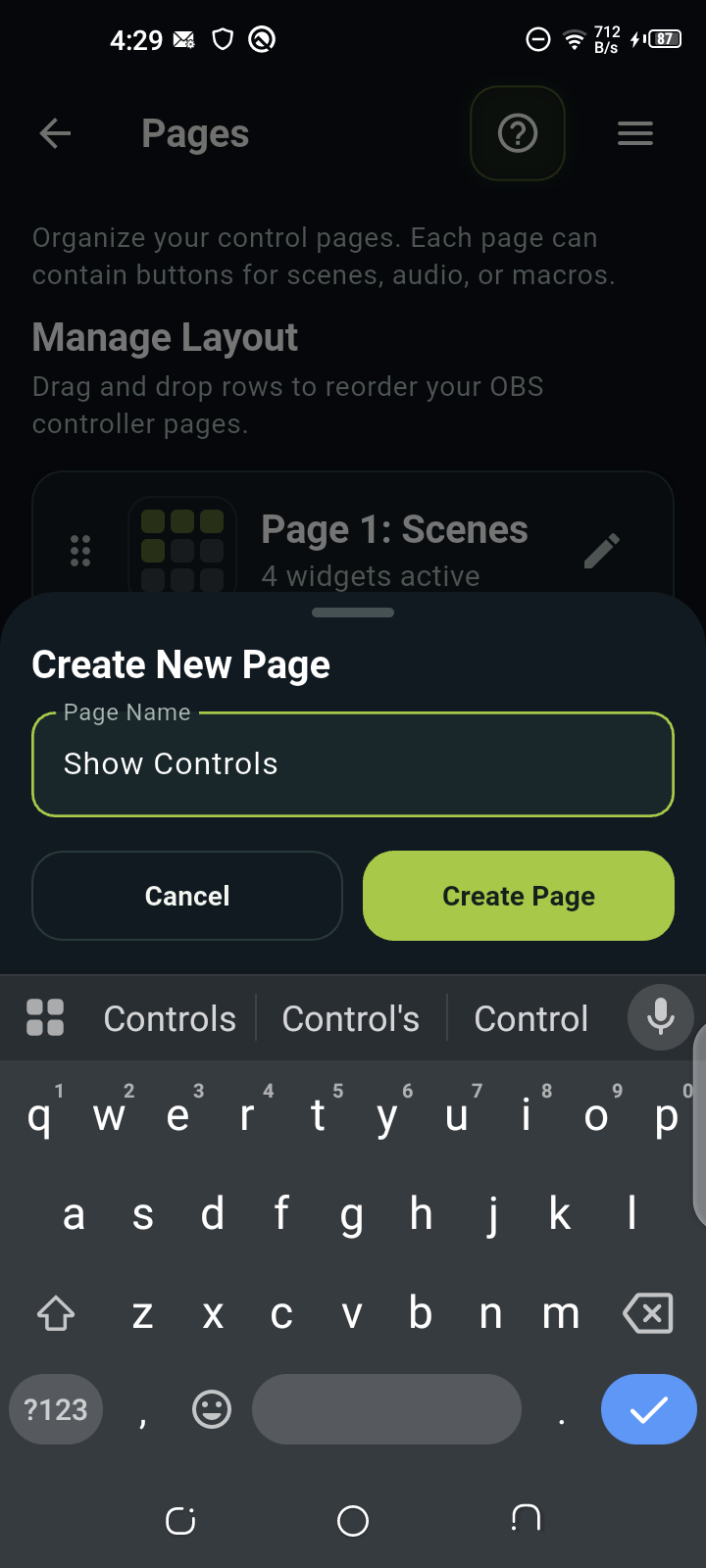
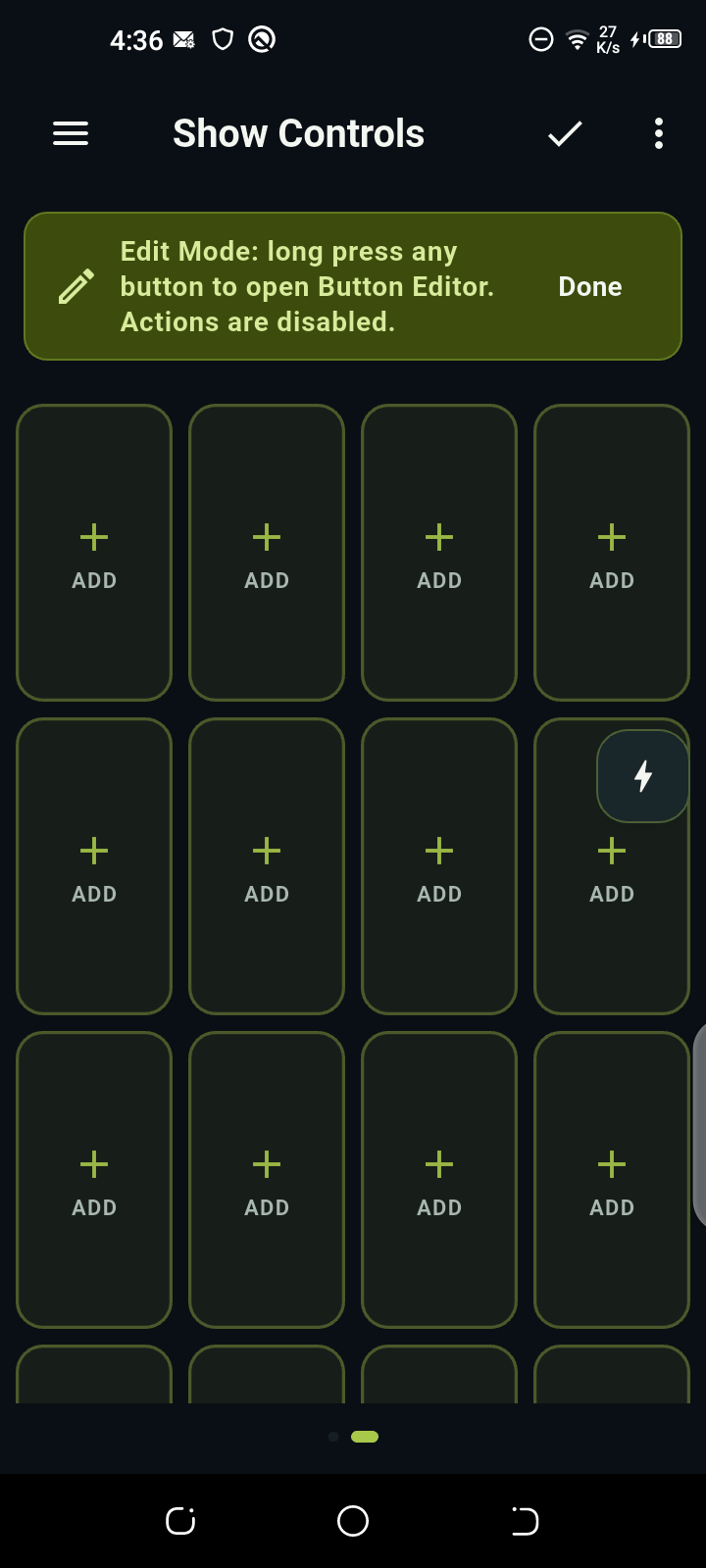
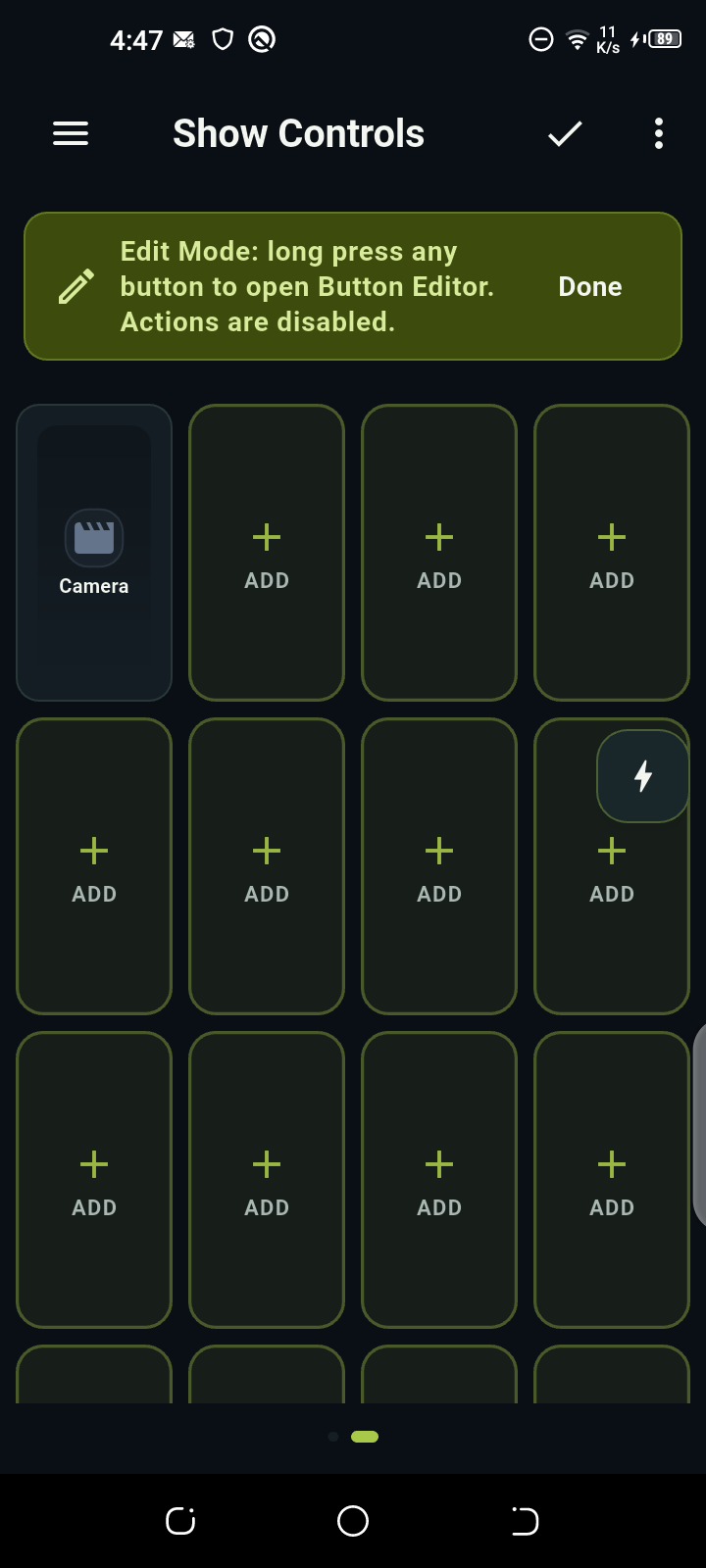
Stop hunting for the next button. Put the scenes, audio controls, and macros you need together on your own page. Then switch layouts as your show moves on.
Autoplay off for reduced motion. Choose a step or press play.
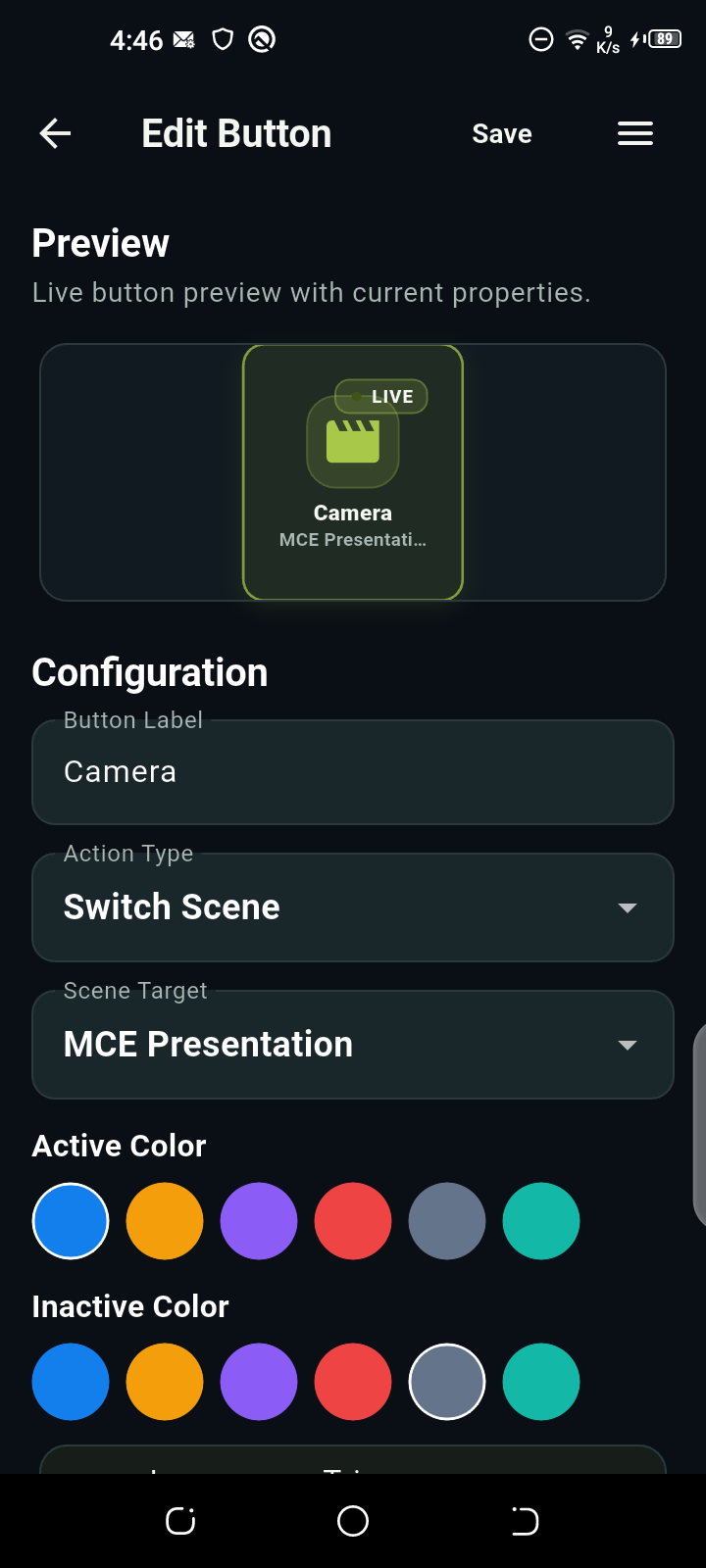
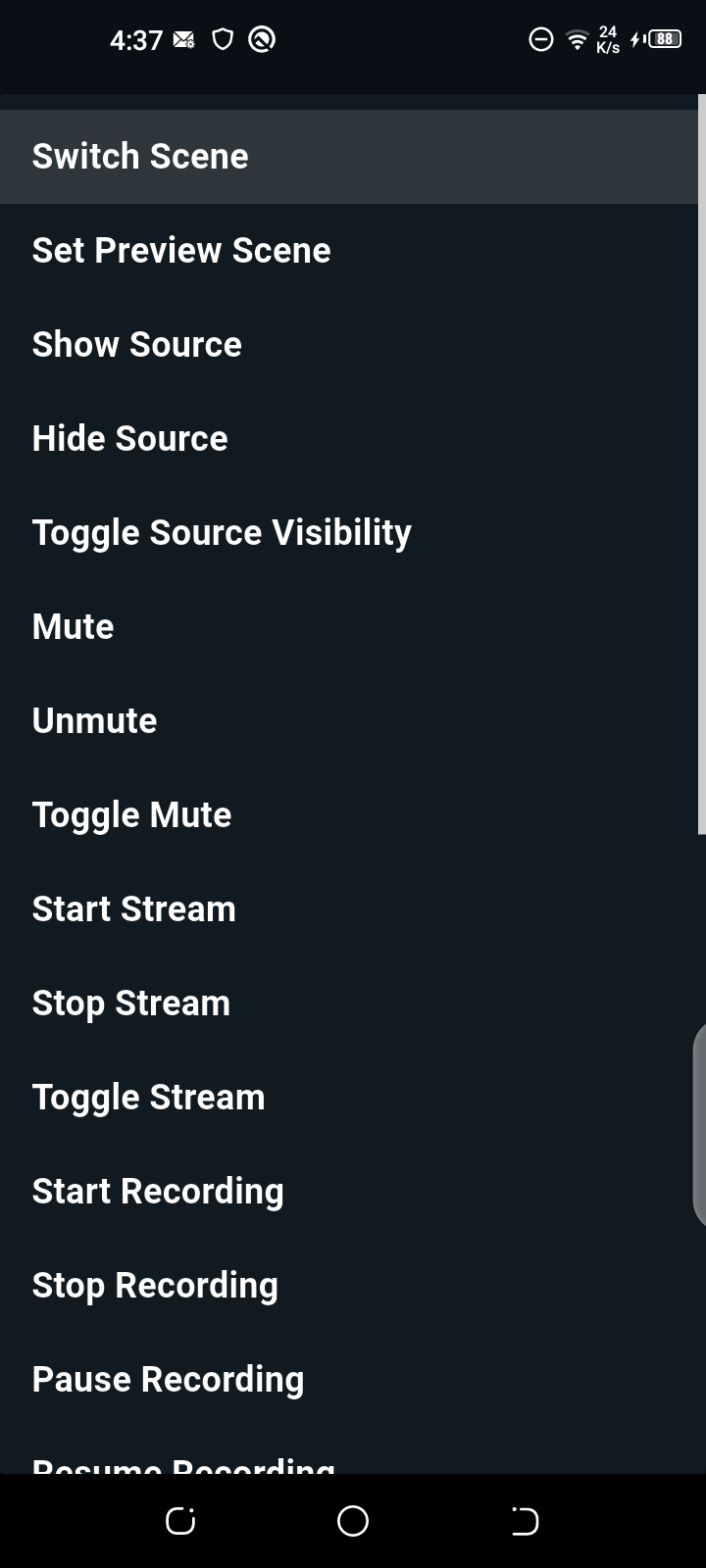
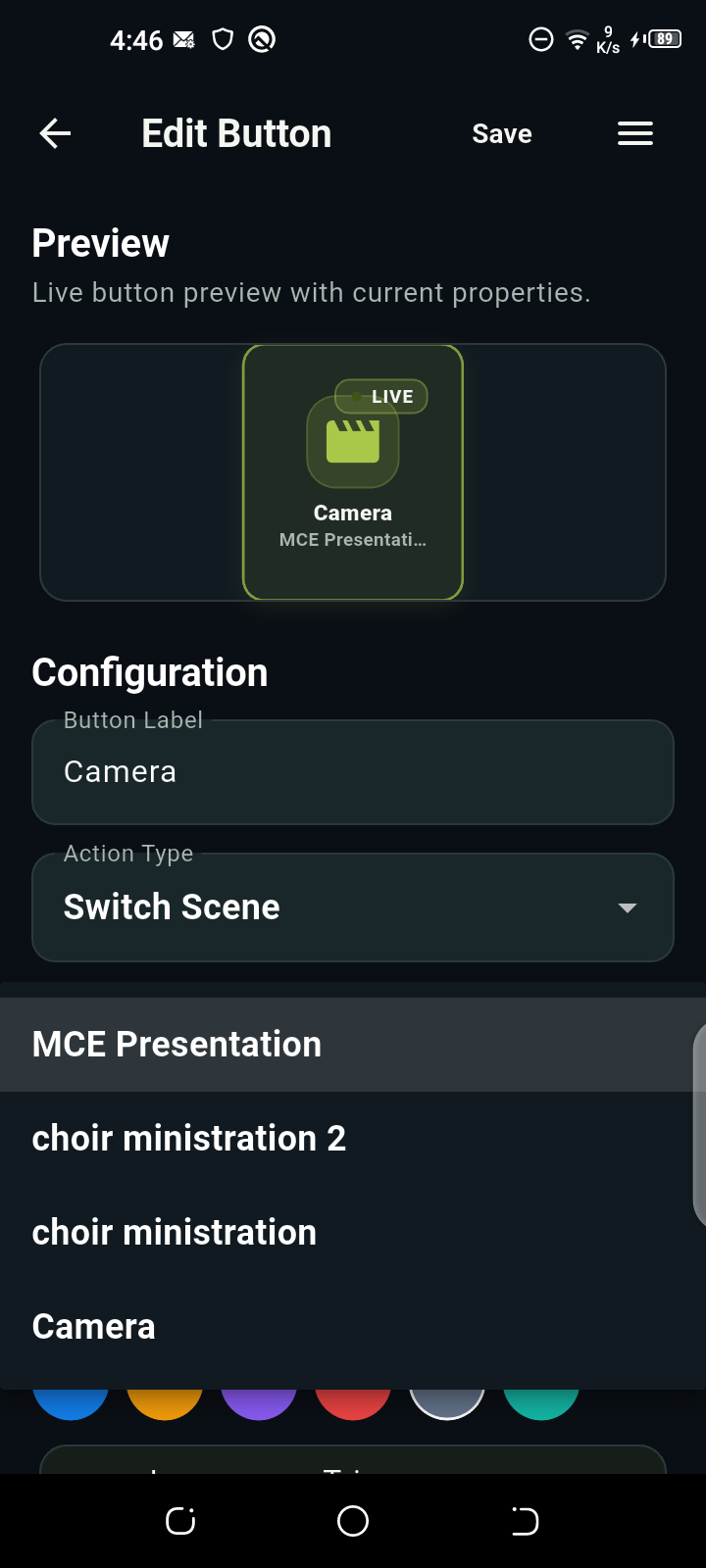
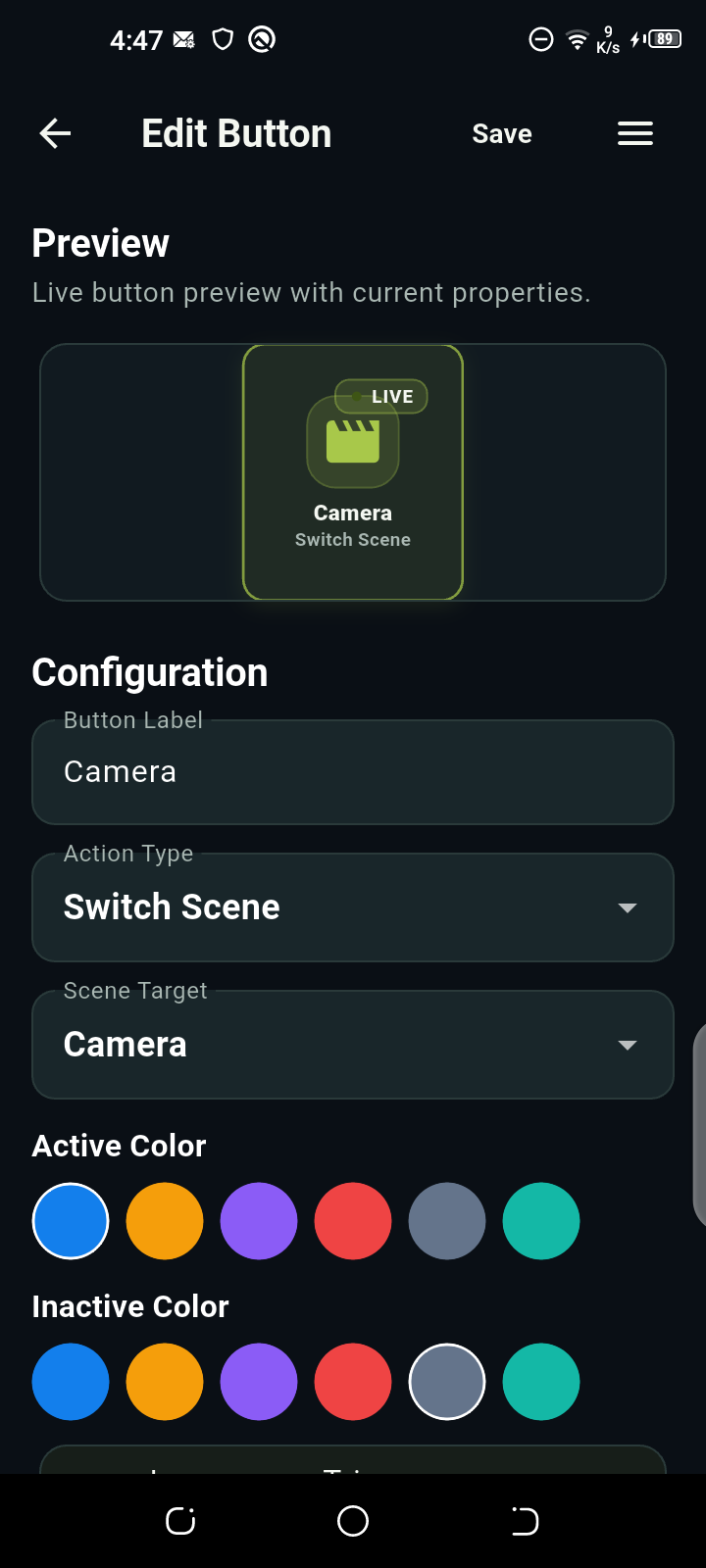
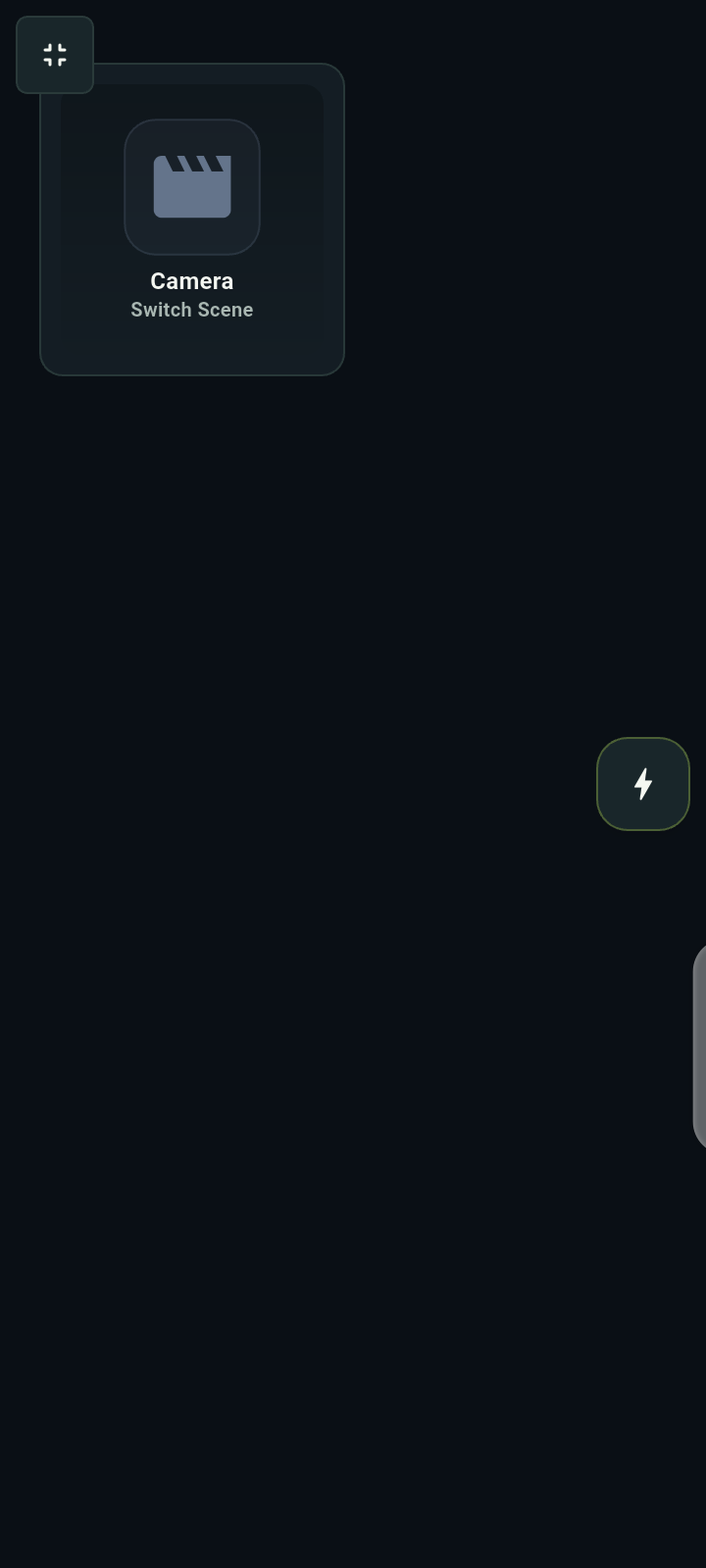
YOUR CONTROL PAGE
Show Controls
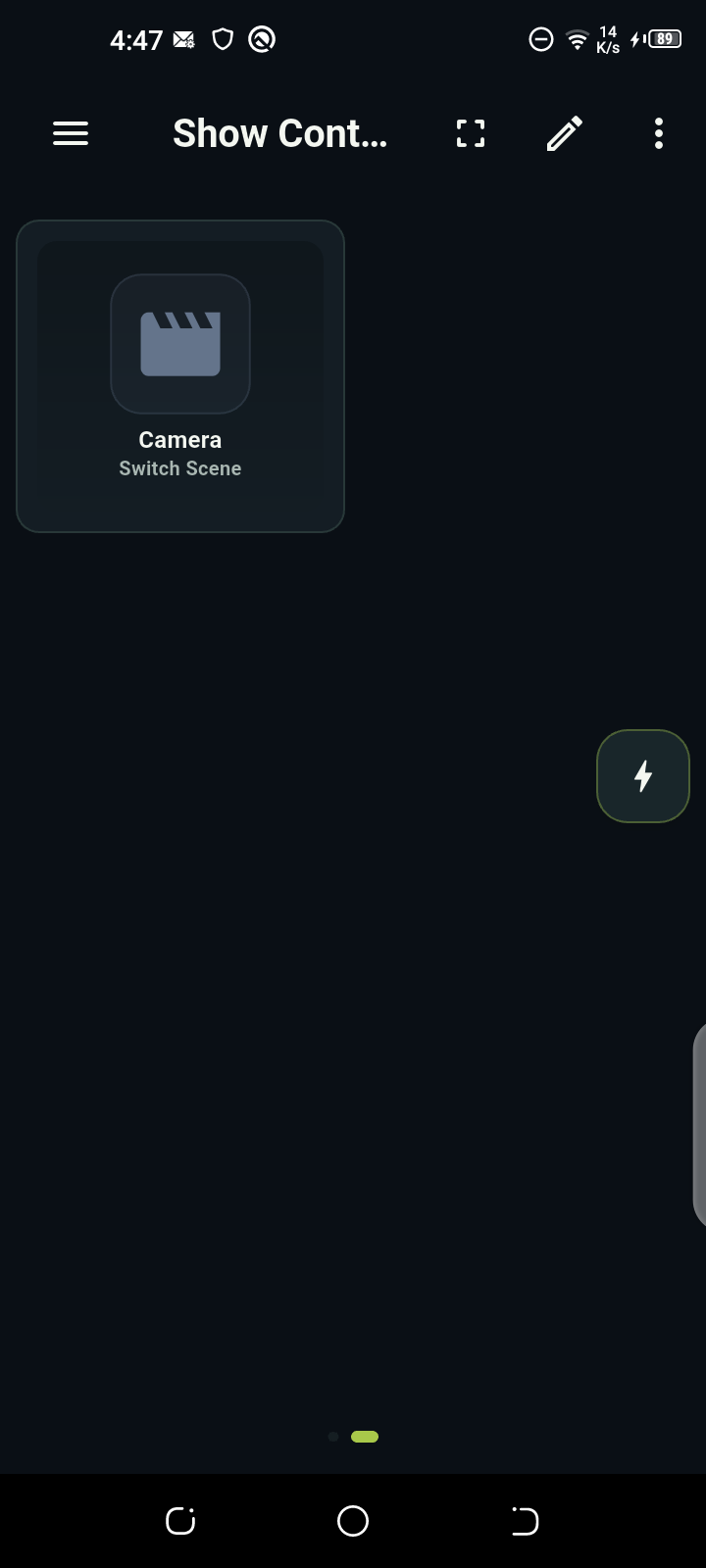
Just what you need.
In fullscreen, swipe the phone or use the arrows to explore.
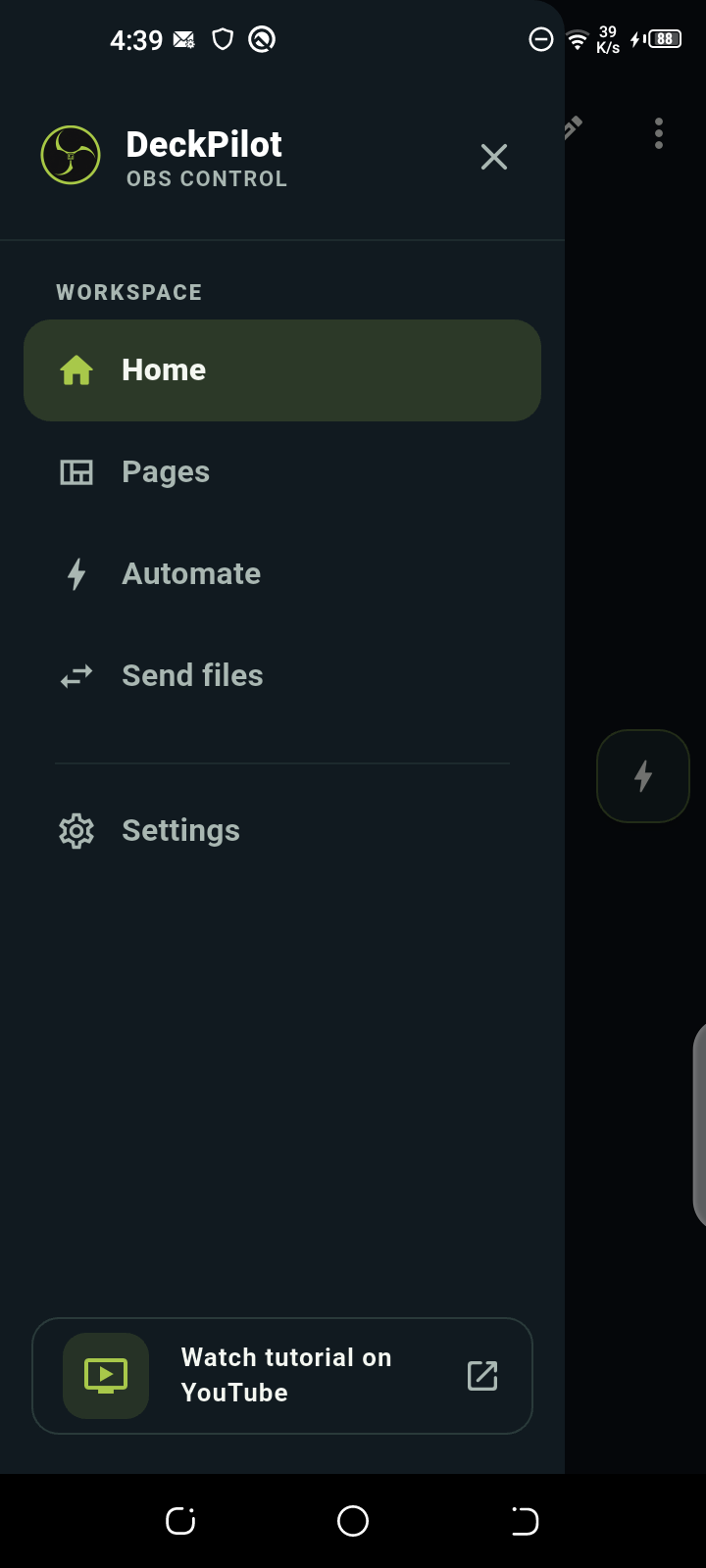
Open Pages and tap Add New Page.
Real Android captures. Preview only — no OBS actions run.