GET CONNECTED · 5 MIN READ
How to Control OBS Studio from Your Android Phone
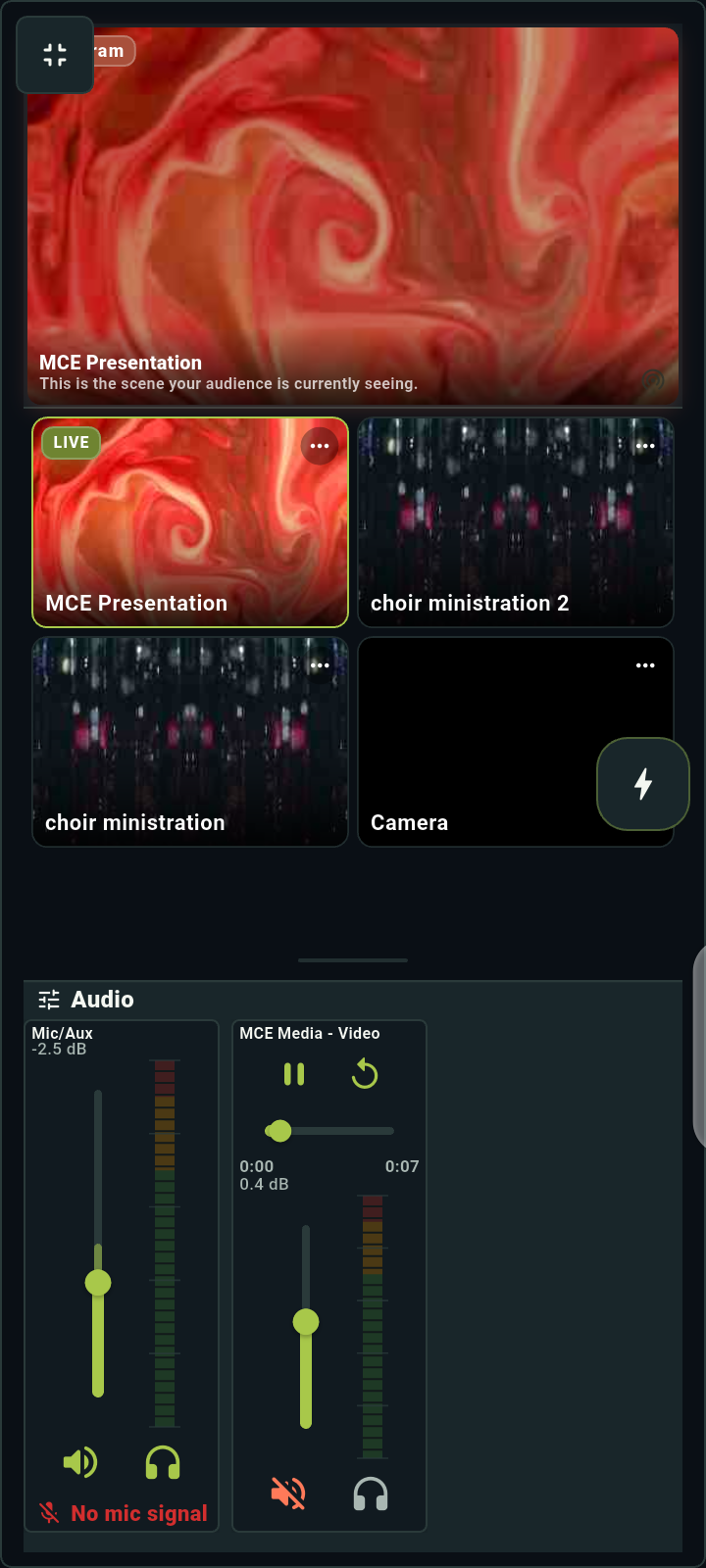
Learn how to connect your Android phone to OBS, switch scenes and adjust audio with DeckPilot. Includes QR setup and help if it won’t connect.
Read the guideTHE DECKPILOT GUIDES
Connect your phone to OBS, get help when it won’t connect, or set up the controls for your church livestream. We’ll walk you through it.
GET CONNECTED · 5 MIN READ
Learn how to connect your Android phone to OBS, switch scenes and adjust audio with DeckPilot. Includes QR setup and help if it won’t connect.
Read the guide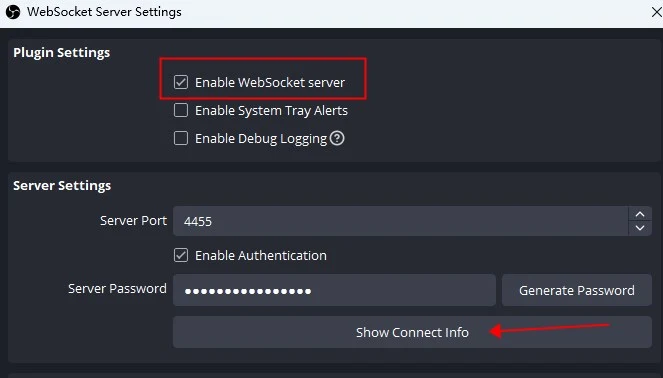
TROUBLESHOOTING · 6 MIN READ
OBS won’t connect to your phone? Check the password, address, port and Wi-Fi with this step-by-step guide. Get help with dropped connections too.
Read the guide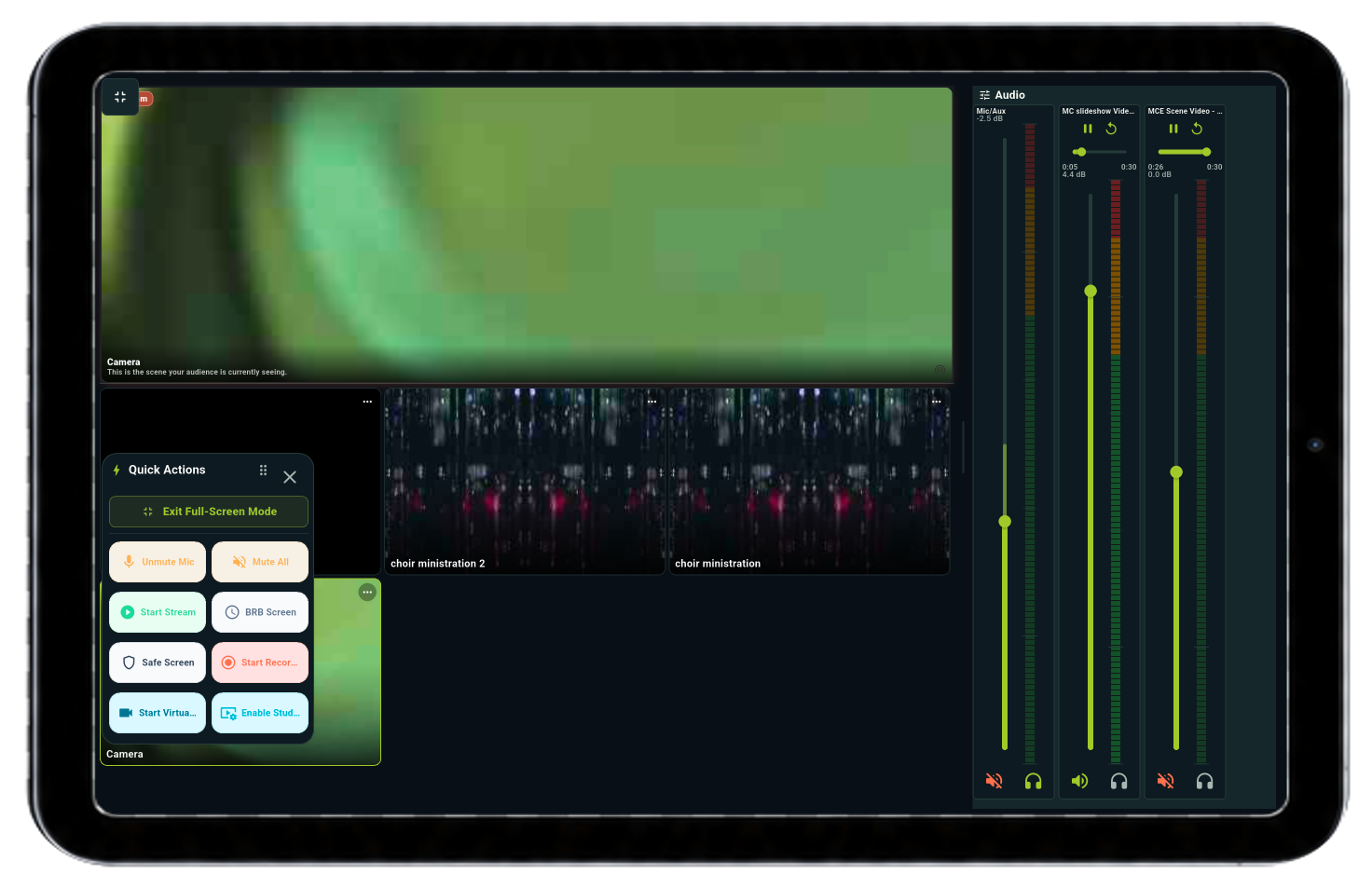
CHURCH LIVESTREAMS · 6 MIN READ
Run your church livestream from a phone or tablet. Set up OBS scenes, adjust sound and give volunteers simple buttons for the service with DeckPilot.
Read the guideStill stuck? Tell us what you’re seeing and what you’ve tried.
Contact DeckPilot support →OBS CONTROL / PHONE + TABLET
Download DeckPilot for your Android phone or tablet, then connect to the computer running OBS.